An RFQ Clarification Log for a Mixed Guitar Product Range
When an RFQ covers amplifiers, pedals, pickups and wireless systems, keep a shared log of unresolved questions. Otherwise, a quote may assume a different product version, pack content or target market from the buyer's brief. The log does no
When an RFQ covers amplifiers, pedals, pickups and wireless systems, keep a shared log of unresolved questions. Otherwise, a quote may assume a different product version, pack content or target market from the buyer’s brief. The log does not replace the quotation; it makes its assumptions visible before the buyer compares offers.
The U.S. International Trade Administration notes that an export quotation describes the product and commercial terms and that cross-border product descriptions may need more detail. Its quotation guidance provides that context. The exact quote fields and commercial terms remain project-specific.
Give each question an owner and status
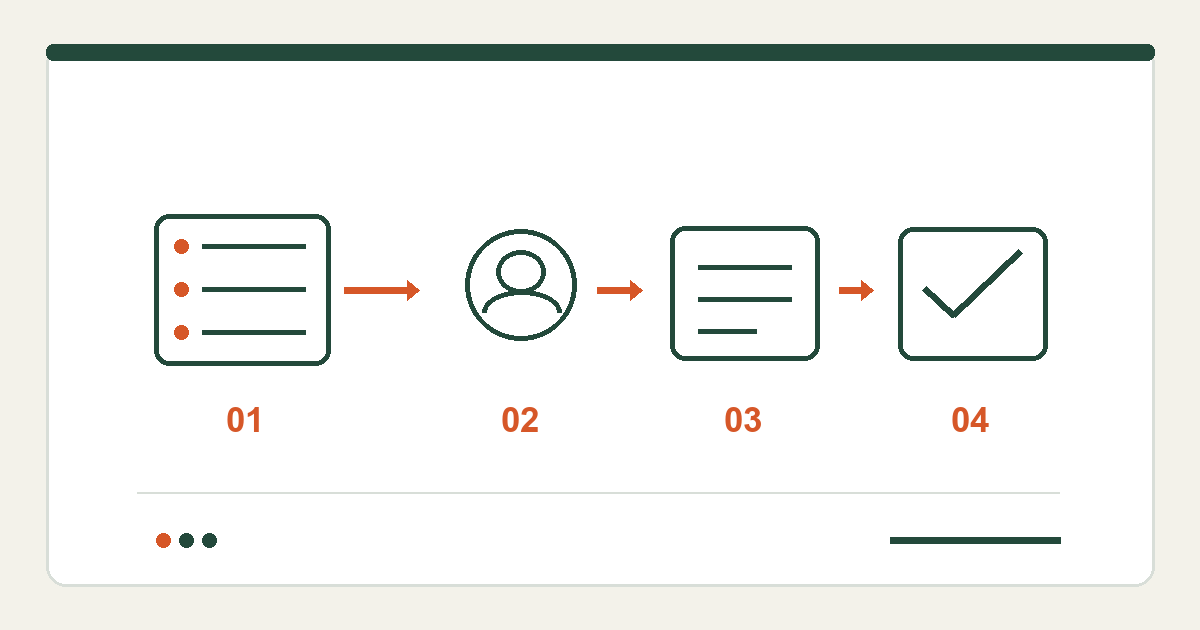
Use one row per decision. Record the category and exact model or variant, question, why it affects the quote, owner, dated answer, evidence reference and status. Useful statuses are “open,” “answered, evidence pending,” “accepted” and “out of scope.” Do not close a question about one wireless model using another model’s specification.
For example, a buyer might ask, “Is a charging cable included with wireless model X for Market A?” “Standard package” is not a complete answer. Keep the row open until the exact model and included items are documented. This is a hypothetical question, not a statement about a SoundSentry product.
Start with questions that change the offer: target market, customization, approved specification, pack contents, required languages, estimated quantity, delivery destination and support documents. The product data-sheet checklist helps separate confirmed model facts from open fields; the in-box scope helps expose accessory assumptions.
Connect answers to quote revisions
When an answer changes the requested scope, ask for a quote with a new revision identifier and keep the previous version. Compare offers only after the included items, exclusions and still-open questions are visible side by side. A lower total with a different pack or documentation scope is not an equivalent offer.
Before purchase approval, hand product, packaging, support and purchasing teams a short decision record: accepted answers, open items with owners, quote revision and the relevant sample or document references. If the product changes later, reopen affected rows rather than overwriting what the buyer originally approved.
To start a SoundSentry RFQ, share the candidate categories, target markets and questions already known. Ask for model-specific confirmation where the current pages do not establish a fact. This workflow does not imply a particular price, MOQ, lead time or production capability.
Plan Your OEM/ODM Project
Share your target product, market, estimated quantity, branding, packaging and certification requirements with the SoundSentry Technical Team.
View Related Products Request Product Information or a Quote