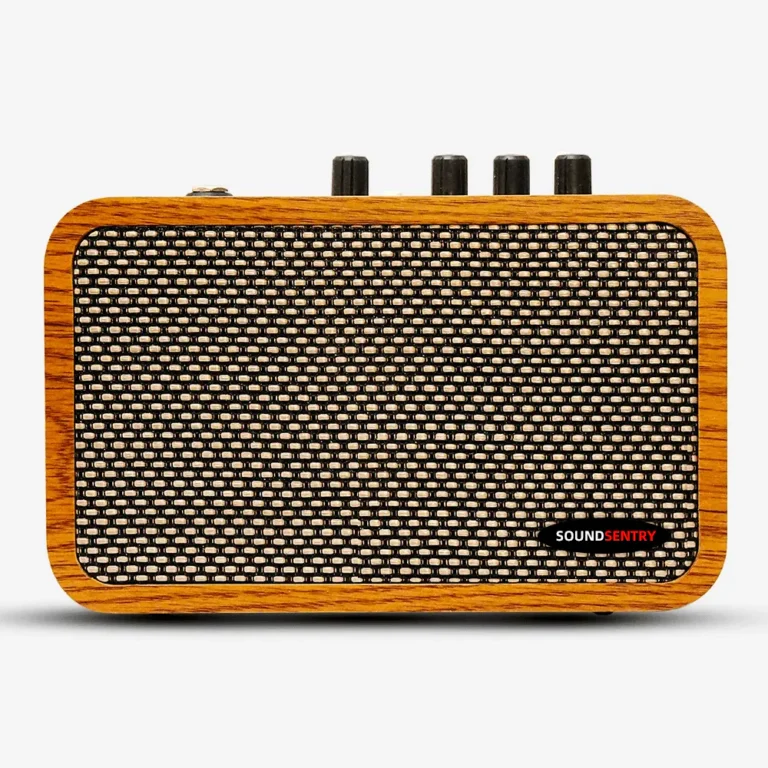
BlackNote10 OTG Recording: A Repeatable Buyer Demo
Plan a repeatable BlackNote10 OTG recording sample test for guitar brands and distributors, including device compatibility, monitoring and approval records.
Quick answer: Evaluate OTG recording with the exact BlackNote10 sample, host device, cable and recording application intended for your market. Record the signal path and the resulting file before approving a listing or making a compatibility claim.
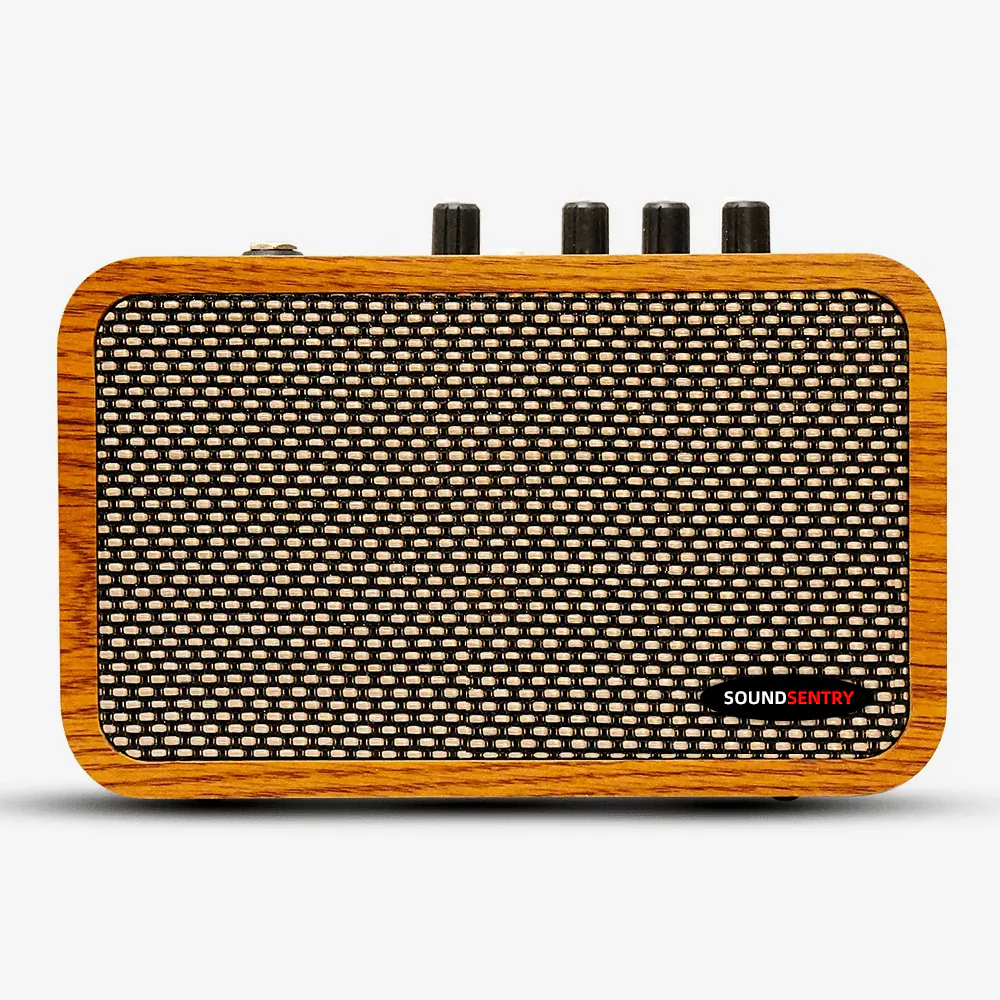
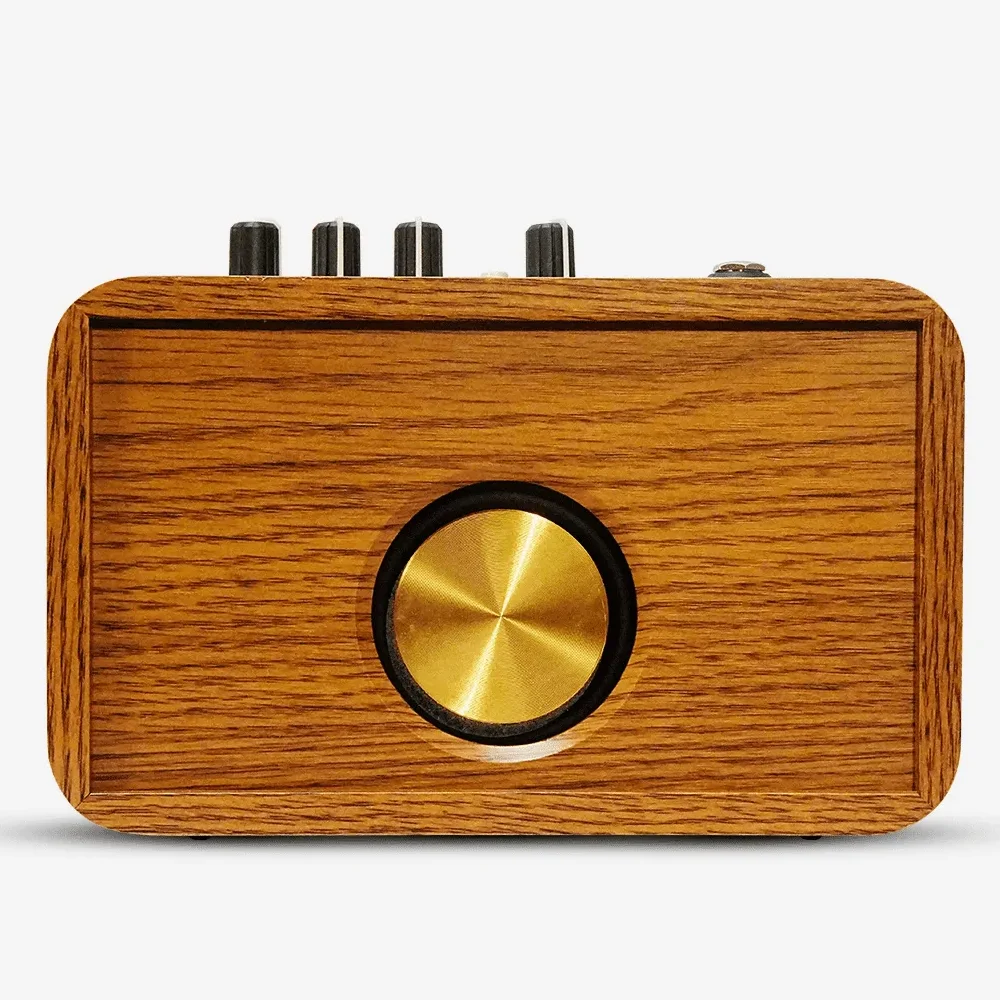
A portable guitar amp can be demonstrated as a practice device and as a recording source, but those are different tests. The BlackNote10 product page lists OTG recording, headphone output, Bluetooth playback and USB-C 5V charging. It does not establish compatibility with every phone, computer or application. Buyers should use the sample and its current instructions as the reference.
Set up one reproducible recording path
Identify the sample version, host device and operating system, cable or adapter, recording app and input settings. Check whether the app recognizes the source. Record a short clean and overdrive passage at consistent guitar and amp settings. Play back the saved file through a separate listening path; do not judge recording quality solely from the amplifier speaker. Then repeat with headphones if that is part of the intended dealer demonstration.
Test charging and recording as separate use cases unless the current product instructions explicitly support simultaneous operation. Bluetooth playback, headphone output and OTG each need their own clear setup instructions. A successful test on one device should be documented as that device’s result, not advertised as universal compatibility.
| Check | Record before testing | Approval evidence |
|---|---|---|
| Sample | Model and hardware revision if supplied | Sample ID and photos |
| Connection | Host, OS, cable and adapter | Connection recognized or issue log |
| Audio | Guitar, mode and level settings | Saved file and playback notes |
| Instructions | Proposed customer setup steps | Tested steps and limitations |
Turn the demo into a buyer brief
For a brand or distributor, retain the audio file, device matrix, sample ID and approved wording for packaging and product listings. If a device fails, change one variable at a time and ask for updated instructions or a revised sample. Include the target market, branding scope, quantity estimate and required recording workflow in the RFQ. Contact SoundSentry with the test plan.
Frequently asked questions
Does OTG mean every phone or app is compatible?
No. Compatibility needs testing with the specific host, cable, operating system and application.
What should a distributor keep after the demo?
Keep the sample ID, setup steps, device details, saved recording and any limitations approved for sales materials.
Plan Your OEM/ODM Project
Share your target product, market, estimated quantity, branding, packaging and certification requirements with the SoundSentry Technical Team.
View Related Products Request Product Information or a Quote