Sound-Hole Pickup Backing-Track Demo: A Buyer Test Plan
Evaluate a sound-hole pickup's guitar sound, Bluetooth backing tracks, effects and charging in a repeatable retail demo before OEM approval.
Quick answer: A retail demo for an effects-equipped sound-hole pickup should show guitar sound, each selected effect, backing-track playback and charging as separate steps. Test them together only after their individual behavior is documented. Keep the guitar, settings, source phone and connection sequence consistent so a distributor can train staff and compare later samples.
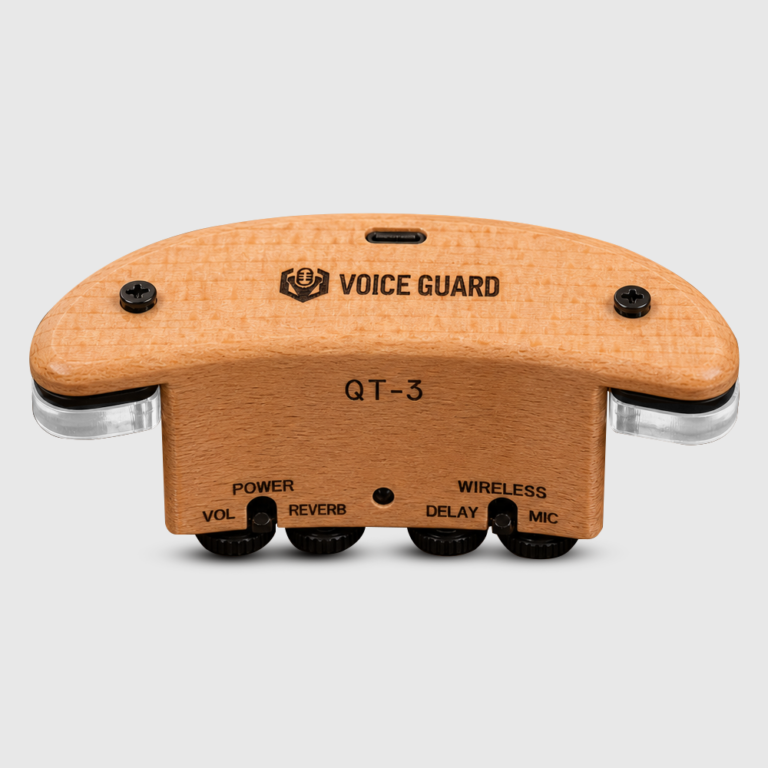
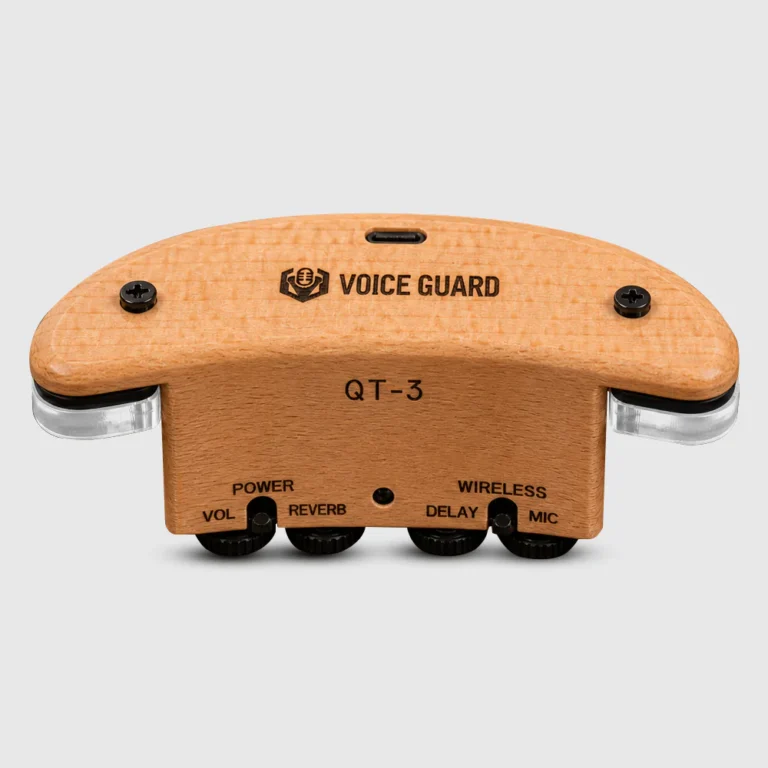
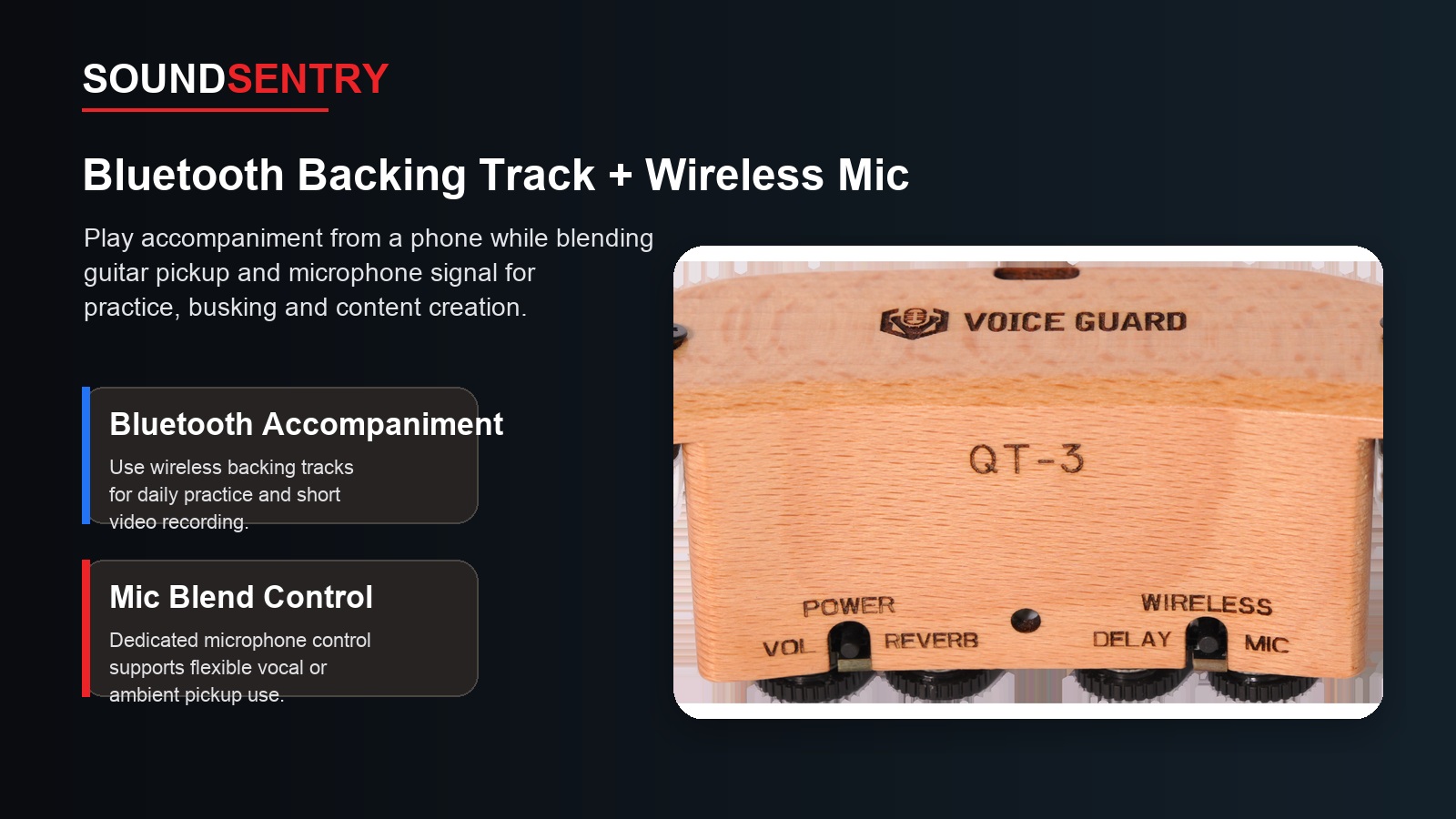
The SoundSentry QT-3 is presented as a rechargeable acoustic-guitar sound-hole pickup with reverb, delay, chorus, Bluetooth backing-track playback and USB-C charging. The product page does not state every routing or volume interaction. Buyers should therefore build an observable demonstration and record the accepted behavior rather than turning a list of functions into unsupported claims.
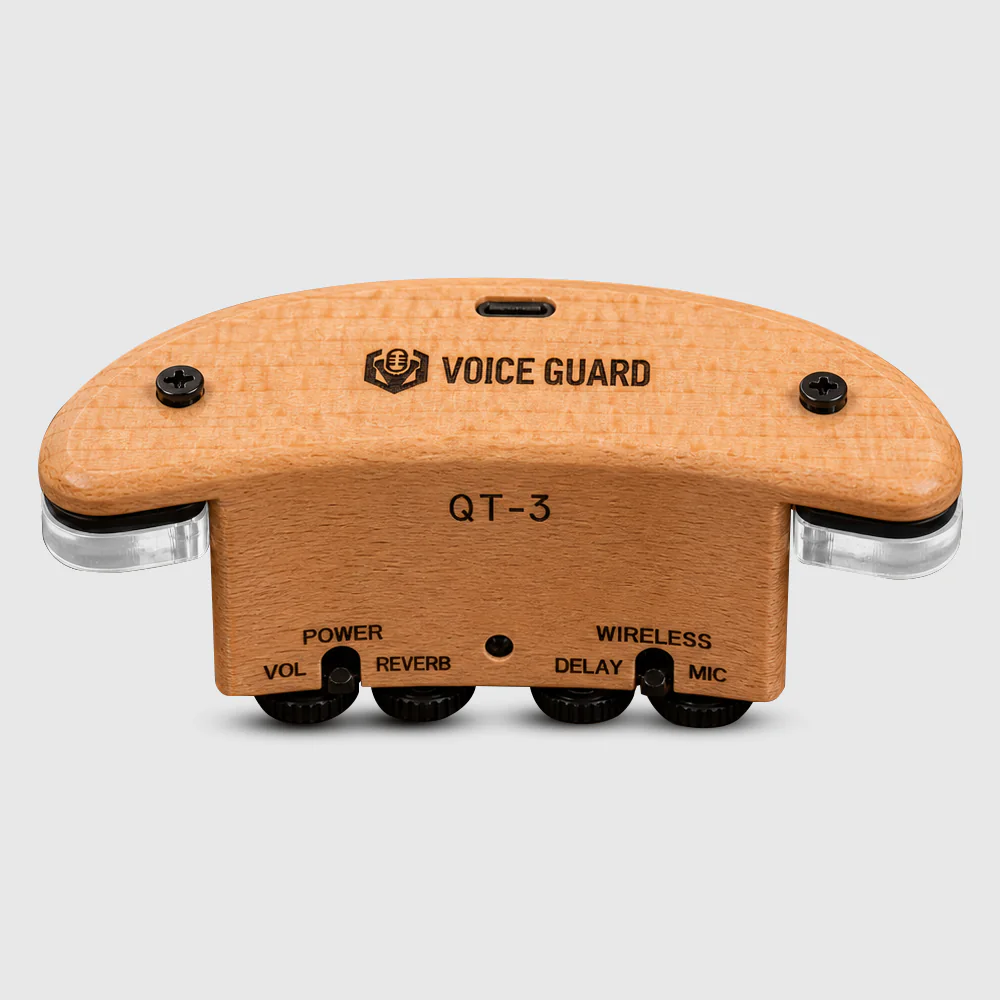
Actual product image. Verify guitar fit and the selected function set on the physical sample.
Separate the guitar signal from the backing track
Begin with one acoustic guitar that fits the sample. Record the guitar model, sound-hole dimensions, string setup and pickup mounting position. Play with effects bypassed or minimized, then add reverb, delay and chorus one at a time at moderate settings. This isolates effect operation from the acoustic source and makes it easier to hear noise, clipping or changes in level.
Next pair a phone or other approved source and play a known backing track. Record the phone volume, pickup controls and output device. Check pairing and reconnection after power cycling. Finally play guitar while the track runs, noting the practical balance and whether changing one level affects the other. Do not call the Bluetooth link a wireless guitar connection; in this example it is described as backing-track playback.
| Demo step | Record before approval | Buyer question |
|---|---|---|
| Guitar alone | Instrument, mounting and controls | Is the direct guitar sound usable? |
| Each effect | Settings and level change | Can staff show it consistently? |
| Track alone | Source, pairing and volume | Is the playback path clear? |
| Guitar plus track | Balance and noise | Does the intended practice demo work? |
| Power cycle | Reconnection steps | Can the user repeat the setup? |
Make the retail demonstration repeatable
Give staff a short script and a setup card: instrument model, source device, cable or output path, initial control positions, chosen track and reset procedure. Test at a normal in-store listening level, not only in a quiet office. If several guitars are part of the range, repeat the fit and output test on representative sound-hole sizes. The sound-hole pickup sample checklist addresses broader approval; this article focuses on the customer-facing demonstration.
Catalog illustration. The approved sample determines the actual control and pairing steps.
Check charging and accessories in the same session
Confirm the USB-C charging indication, supplied cable or charger requirements, operating instructions and the behavior at low charge on the selected sample. Define any battery-duration test by volume, effects and backing-track use; do not transfer a number from another condition or model. Review the pack for mounting parts, instructions and correct language. Where the illustration and supplied kit differ, the accepted kit list controls the quotation.
The demo result should be stored with the approved product and pack sample. If controls, firmware, accessories or artwork change, repeat the script. This is especially important when a brand promises a particular pairing sequence or effect demonstration in its own manual or sales video.
RFQ details for an OEM discussion
Send the target guitars and sound-hole dimensions, market, estimated quantity, desired demo scenario, effects and backing-track requirements, sample request, logo and packaging needs, and documentation languages. Ask the supplier to demonstrate the specific routing and accessory configuration. Discuss QT-3 using the script so both sides evaluate the same version.
Frequently asked questions
Does Bluetooth replace the guitar pickup connection?
Do not infer that from the feature name. The current product description identifies Bluetooth backing-track playback; confirm all guitar-signal paths on the sample.
Can one guitar prove universal sound-hole fit?
No. Test representative instruments from the intended range and record dimensions and mounting observations.
Why keep a demo script after sample approval?
It helps distributors train staff, compare later samples and align manuals or videos with observed behavior.
Conclusion
An effective QT-3 buyer demo is a controlled sequence, not a long feature list. Separate each sound path, record settings and accessories, then approve the combined experience on the exact sample proposed for the project.
Plan Your OEM/ODM Project
Share your target product, market, estimated quantity, branding, packaging and certification requirements with the SoundSentry Technical Team.
View Related Products Request Product Information or a Quote