2.4 GHz vs 5.8 GHz Wireless Guitar Systems: An Importer’s Guide
Compare 2.4 GHz and 5.8 GHz wireless guitar systems by market rules, interference, latency, range, battery, testing and wholesale risk.
Quick answer: Neither 2.4 GHz nor 5.8 GHz is automatically the better wireless guitar system for every market. Importers should compare destination-specific radio requirements, local congestion, usable channels, coexistence behavior, latency, range, battery runtime, instrument fit and production consistency. The decision should be based on the approved hardware and firmware revision tested in realistic venues—not on frequency alone.
Plug-in wireless guitar systems are attractive to retailers because they remove a cable without requiring a rack receiver. Yet the products operate in radio environments already occupied by Wi-Fi and other devices. A system that performs well in a quiet sample room may behave differently in a store, rehearsal space, school or stage with several access points and multiple wireless units.
This guide helps distributors, importers, rental operators and private-label brands compare 2.4 GHz and 5.8 GHz guitar wireless platforms. It does not replace destination-market regulatory review or model-specific engineering data. Frequency availability, power limits, channel rules and documentation can vary, so buyers should verify the exact configuration with qualified specialists.
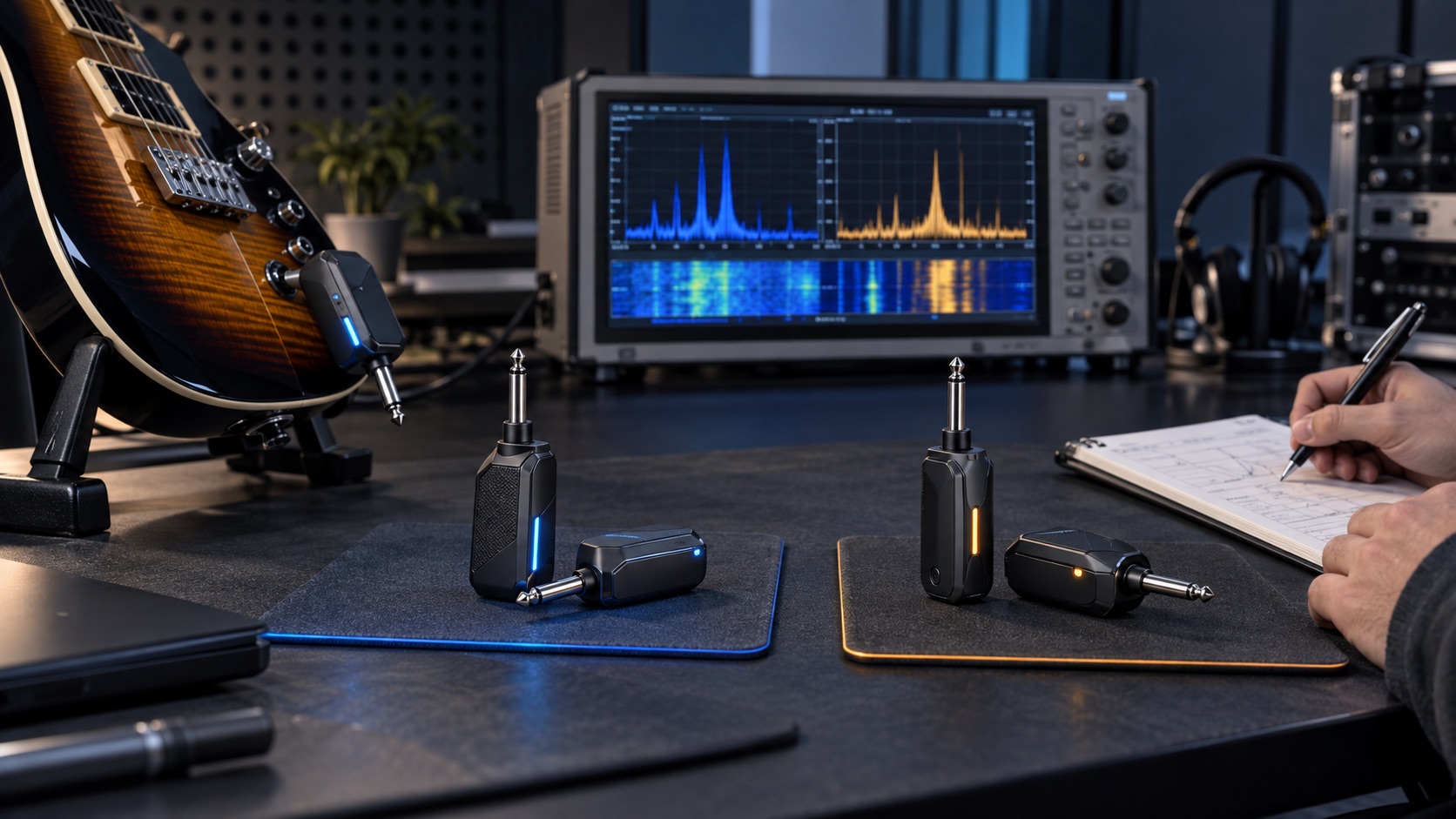
Editorial illustration: the band is only one variable; compare the complete radio platform and intended environment.
Why frequency becomes a wholesale purchasing issue
For a player buying one unit, the question may be simple: does it work reliably in the usual room? A wholesale buyer carries broader risk. The same SKU may reach homes, retail demonstration areas, teaching studios and venues in different regions. Returns can be difficult to reproduce because interference changes by location and time.
The band also affects product architecture. Antenna design, channel selection, radio chipset, firmware, enclosure materials, orientation and power management influence performance. Two systems using the same nominal band can have different coexistence behavior. Conversely, products on different bands may both be suitable when properly matched to the use case.
The buyer therefore needs a test and documentation plan, not a one-line “2.4 GHz versus 5.8 GHz” verdict.
Start with the destination-market gate
Before comparing sound or range, identify every intended sales market. Ask the supplier for the exact operating frequencies, channel plan, radio module, output settings, antenna configuration, firmware revision and model-specific documentation. Confirm that the proposed product and labels fit the intended route.
Do not assume that a band commonly used in one country can be marketed identically everywhere. Even when a frequency range is broadly available, technical conditions, conformity procedures, labeling and responsible-party obligations may differ. A report for another module, antenna or firmware revision may not cover the selected product.
Create a market matrix with one row per destination and fields for regulatory owner, documents received, model/revision match, label status, manual language and unresolved gaps. Hold artwork and shipment approval until critical questions are closed.
What buyers should know about 2.4 GHz systems
2.4 GHz radio platforms are widely used in consumer and professional devices. That can support mature components and broad product availability, but it also means the band may be busy in homes, stores and venues. Wi-Fi access points, Bluetooth devices and other equipment can contribute to a complex environment.
A good 2.4 GHz system should therefore be judged on coexistence, channel behavior and recovery—not merely on an unobstructed distance claim. Ask how channels are selected, how many systems can be planned together under stated conditions, what happens when interference rises and whether the user receives useful status feedback.
Do not infer that every 2.4 GHz system has the same latency, audio bandwidth or range. Those results depend on the complete design and test method.
What buyers should know about 5.8 GHz systems
5.8 GHz platforms may encounter a different congestion profile and can be attractive when buyers want an alternative to the heavily used 2.4 GHz environment. However, higher frequency does not guarantee longer range or better wall penetration. Antenna design, allowed operating conditions, venue layout, orientation and competing devices remain important.
Ask the same questions as for 2.4 GHz: exact channels, selection method, supported system count, recovery behavior, latency, audio performance, battery impact and destination documentation. A sales claim that a band is “interference free” should be rejected; every practical radio product operates in a shared environment with limits.
Compare seven purchasing dimensions
1. Regulatory fit
Confirm the exact frequency plan, radio settings, antenna and firmware for each destination. Require documents linked to the quoted revision. Treat market approval as a gate rather than a feature score.
2. Realistic interference environment
Map the expected use cases. A home practice room, music store, school and live venue can have different access-point density and physical obstructions. Test in more than one representative environment.
3. Number of simultaneous systems
“Supports multiple units” is incomplete. Ask how many were tested, which channel plan was used, how devices were spaced, what other radio traffic was present and what acceptance criteria applied. Rental and education buyers may prioritize coordinated multi-unit operation more than a consumer retailer.
4. Latency and playing response
Request the supplier’s latency definition and method. Confirm whether the figure is one-way through the wireless link and which processing conditions apply. Evaluate the complete playing chain; digital effects, amplifiers and recording devices can add their own delay.
5. Range and dropout behavior
Range depends on line of sight, venue, orientation, antenna, interference and user movement. A maximum open-space claim does not predict every stage. Record usable performance in the intended environment and pay attention to how the system recovers after a disturbance.
6. Battery and charging
Compare transmitter and receiver runtime under defined conditions, charge time, connector, cable, indication and behavior near low battery. Verify whether both ends charge together and whether the included charging arrangement is suitable for the retail package.
7. Instrument compatibility and ergonomics
Check straight and recessed output jacks, Strat-style sockets, side-mounted acoustic-electric outputs and active pickup systems. Review plug rotation, body clearance, balance and risk of accidental contact. Mechanical fit can create returns even when the radio link performs well.
Need to evaluate a wireless-system project?
Send the target markets, instrument types, expected simultaneous system count, branding scope and quantity through Contact Us. Frequency options and documentation must be confirmed for the selected platform.
Build a controlled comparison test
Use production-representative samples when possible and record model, hardware, firmware, battery state and included accessories. Test 2.4 GHz and 5.8 GHz candidates against the same acceptance plan instead of letting each supplier demonstrate only its strongest scenario.
Baseline test
Begin in a controlled room. Confirm pairing, channel selection, audio path, controls, mute behavior, indicators and charging. Use the same guitar, cable-free signal chain, amplifier, settings and listening position. Check clean and higher-gain sounds because noise and artifacts can be perceived differently.
Congestion test
Repeat in an environment with representative Wi-Fi and wireless-device activity. Document access points or observed spectrum conditions where practical. Do not deliberately violate local rules or create harmful interference. The goal is a repeatable purchasing comparison, not an unrealistic torture test.
Movement and orientation test
Walk the intended area, turn the instrument, sit and stand, and place the performer near common obstacles. Note the first instability, recovery and any relationship to orientation. Repeat the path rather than relying on one successful walk.
Multi-system test
Pair the planned number of systems from a clean start. Label every transmitter and receiver. Test all links together, then add representative venue traffic. Record the channel plan and whether re-pairing changes it. Verify that one user’s operation does not confuse another pair.
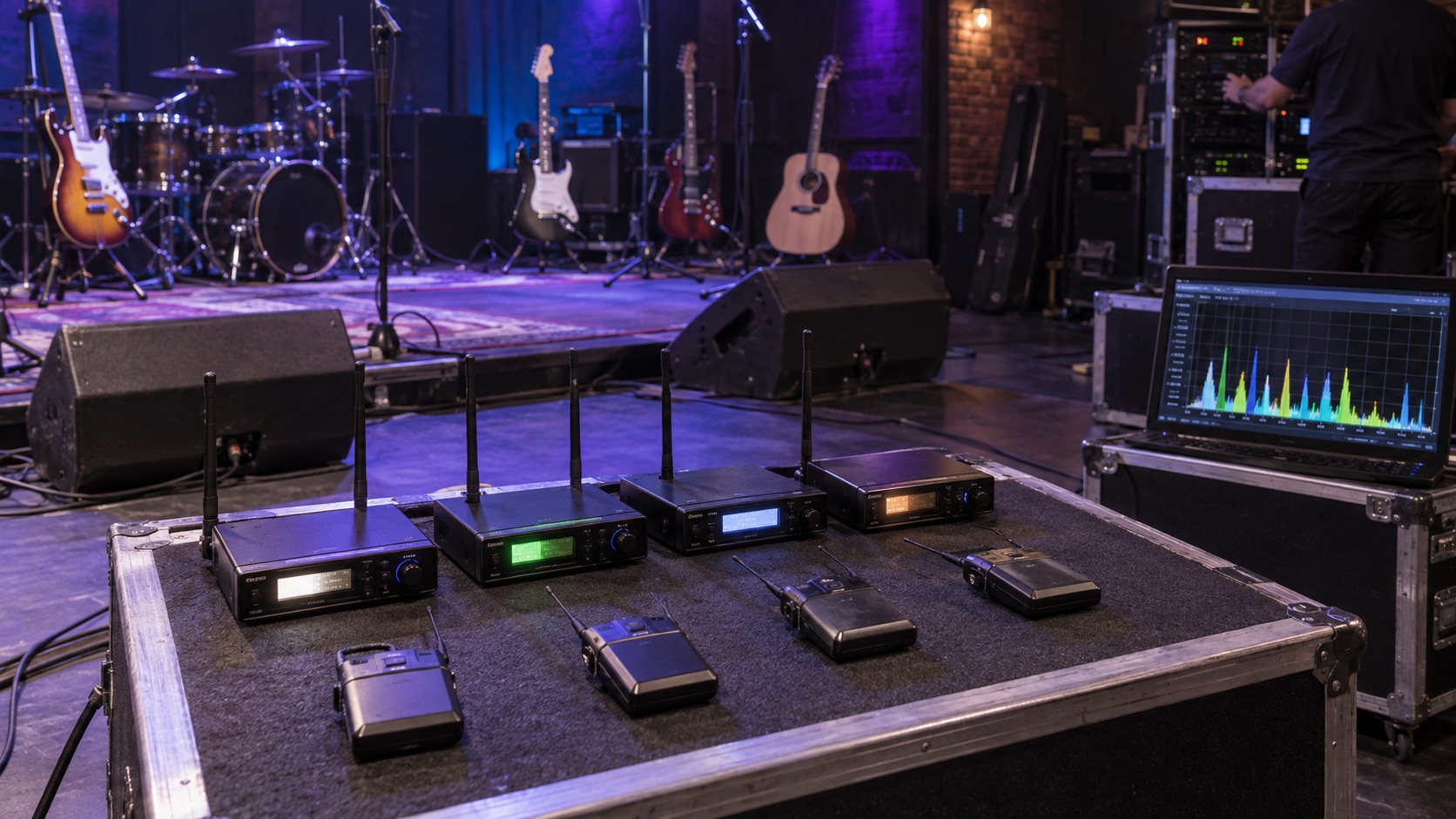
Editorial illustration: simultaneous-system claims need a recorded channel plan and realistic shared environment.
Battery-state test
Repeat critical checks at full and lower charge states. Confirm warning behavior and whether audio becomes unstable before shutdown. A system that gives clear, useful low-battery information may reduce support calls even if the headline runtime is similar.
Evaluate audio without vague language
Create a short reference program: clean chords, single-note dynamics, muted attacks, sustained notes and higher-gain passages. Use the same instrument and amplifier. Ask evaluators to record specific observations rather than “sounds better.”
Useful fields include noise at idle, attack consistency, sustained-note behavior, high-frequency balance, transient artifacts, mute behavior and recovery after a dropout. If a supplier claims a particular frequency response or bit depth, request the model-specific basis and keep that claim separate from subjective listening notes.
Consider active pickups, passive pickups and acoustic-electric sources if they are in scope. Input level and impedance behavior can influence the result. A system approved only with one instrument should not be described as universally compatible.
Turn the sample into a wholesale specification
The purchase specification should identify band, exact operating plan, hardware and firmware revision, transmitter and receiver design, included charging accessories, battery details, audio functions, indicators, packaging, manuals and destination labels.
Add measurable or observable acceptance criteria for pairing, channel selection, audio continuity, battery indication, connector fit and cosmetic quality. Reference the golden sample and approved test record. Require written notice before the supplier changes radio chipset, antenna, firmware, battery, connector or enclosure material.
SoundSentry’s public wireless instrument systems category currently includes a UHF platform as well as related buyer guidance. UHF, 2.4 GHz and 5.8 GHz are not interchangeable labels; any project should be matched to destination requirements and use case. The wireless guitar system sample approval plan provides a complementary model-independent testing workflow.
Prepare packaging and support content
Wireless products create avoidable returns when pairing, charging and channel behavior are poorly explained. The quick-start guide should show transmitter/receiver identification, initial charging, pairing, channel selection, indicator meanings, compatible instrument-jack examples and basic interference troubleshooting.
Avoid guarantees such as “works anywhere,” “zero latency” or “no interference.” Use qualified, evidence-based language. If range is stated, include the test context or clearly identify it as a maximum under specified conditions.
For private-label projects, lock the manual and packaging to the firmware behavior. A late firmware change that alters channel selection or indicators can make printed instructions wrong even when the hardware looks unchanged.
Prepare a support flow for intermittent complaints
Wireless faults are often environmental and may disappear when a unit returns to the distributor. Give support teams a short evidence checklist instead of immediately declaring the radio defective. Record the instrument and jack type, venue, approximate distance, body orientation, number of active systems, nearby routers or wireless devices, battery indication, selected channel and whether the problem follows the transmitter, receiver or location.
The first response should use safe, documented steps: fully charge both units with the approved arrangement, confirm the correct pair, restart pairing or channel selection as described in the manual, reduce unnecessary nearby transmitters and repeat the test at a known short distance. Do not instruct users to open enclosures, modify antennas or select unapproved settings.
Create a consistent escalation threshold. Repeated audio interruption at short range in a controlled setup, failure to pair, abnormal charging or a connector fault may justify return evaluation. A dropout reported only in one congested venue may require more environmental evidence. This distinction helps the importer identify a product issue without dismissing a legitimate field problem.
Batch and firmware traceability are valuable here. If several complaints share one revision, the buyer can reproduce the exact configuration and decide whether documentation, firmware, production control or hardware needs correction.
Create a production and incoming-inspection plan
Inspection can include:
- Correct transmitter/receiver pairing and model identification.
- Hardware and firmware revision confirmation.
- Audio pass-through and mute behavior.
- Channel selection and indicator checks.
- Charging, cable and battery indication.
- Mechanical fit, plug rotation and enclosure condition.
- Multi-unit sample check when this is a key selling point.
- Packaging, manual, label and accessory verification.
- Destination-specific document and mark review.
Long-duration range, congestion and runtime tests may be better suited to periodic validation than a brief final inspection. Define which checks occur on every inspected unit, which use a sample and which require laboratory or pre-production review.
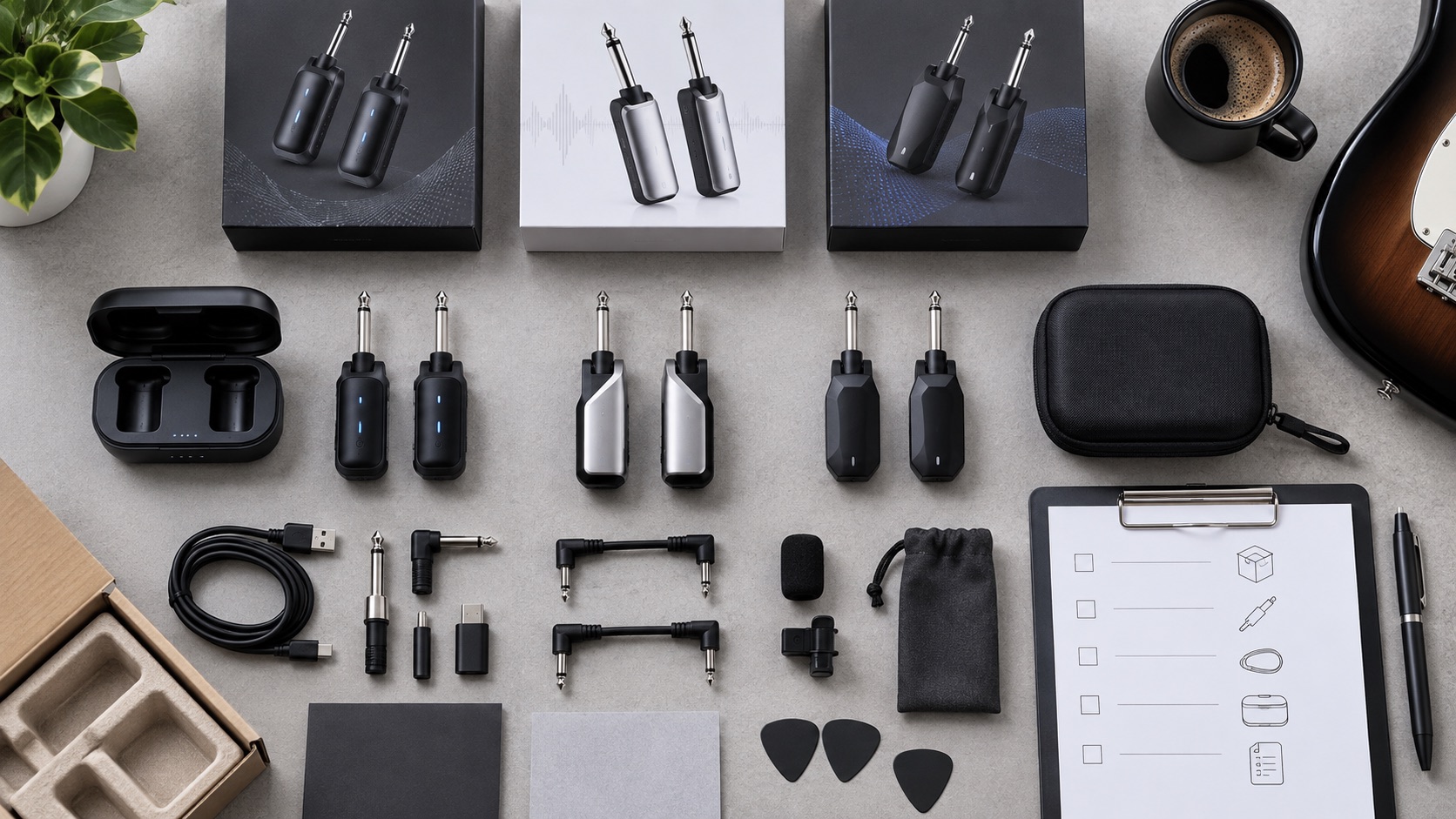
Editorial illustration: approve the radio units, accessories, instructions and packaging as one controlled kit.
Common decision errors
Assuming 5.8 GHz is always cleaner
Local congestion changes by venue. The product’s channel plan, antenna and coexistence behavior matter as much as the band name.
Assuming 2.4 GHz always has better range
Range depends on the complete design, allowed settings and environment. Compare approved samples under the same test route.
Comparing maximum distance claims from different methods
Ask about line of sight, height, orientation, traffic, acceptance point and sample revision. Undefined numbers are not comparable.
Ignoring multi-unit operation
A single pair can pass while a rental or school deployment fails. Test the planned system count and record the channel arrangement.
Copying compliance claims between revisions
Radio module, antenna, firmware or enclosure changes can affect the documentation basis. Recheck the exact product being ordered.
Frequently asked questions
Is 2.4 GHz or 5.8 GHz better for a wireless guitar system?
Neither band is universally better. The answer depends on destination rules, local congestion, channel design, range needs, simultaneous system count, battery priorities and the performance of the exact product.
Which band has less interference?
That varies by location and time. Buyers should test representative venues and examine coexistence and recovery rather than relying on a general statement.
Can several wireless guitar systems operate together?
Some platforms are designed for multi-unit use, but the supported count and conditions must be verified. Record channel planning, radio traffic, spacing and acceptance criteria.
What latency is acceptable for guitar?
Acceptance depends on the full signal chain and intended user. Request a defined measurement, then evaluate playing response with the actual amplifier and effects setup.
Do 2.4 GHz and 5.8 GHz products need market-specific review?
Yes. Availability of a band does not remove conformity, labeling, documentation and responsible-party obligations. Verify each destination and exact revision.
What should be included in a wireless-system RFQ?
List destinations, band options, instrument types, simultaneous system count, latency and range requirements, charging, battery, packaging, documentation, branding and test expectations.
Conclusion
The useful comparison is not “Which frequency is newer?” It is “Which exact radio platform meets the destination, venue, user and support requirements with evidence we can reproduce?” Buyers who control the sample, test plan, firmware, documentation and packaging can choose between 2.4 GHz and 5.8 GHz with less return and compliance risk.
Review the wireless instrument system range and submit your market and test requirements for a model-specific discussion. Available bands, simultaneous-system capability, documents and commercial terms must be confirmed before purchase.
Plan Your OEM/ODM Project
Share your target product, market, estimated quantity, branding, packaging and certification requirements with the SoundSentry Technical Team.
View Related Products Request Product Information or a Quote