Wireless Guitar Systems With Active Pickups: A Buyer Compatibility Test
Test active-pickup guitars with a wireless system for input headroom, connectors, noise and real-use reliability before approving a wholesale order.
Quick answer: An active-pickup guitar may work well with a wireless instrument system, but the pickup label alone does not prove compatibility. Check connector fit, transmitter input headroom, gain behavior, noise, battery state and the whole instrument-to-amp chain on a physical sample. Compare it with a cable reference using the same guitar and settings. Document the approved instrument list and test conditions before ordering in volume.
The question matters to brands, distributors and rental buyers because active pickup or onboard preamp outputs can be stronger than passive magnetic pickup signals. A transmitter that sounds clean with one passive guitar may overload on a high-output instrument. Shure’s wireless system selection guide describes this broader input-level problem. It does not establish the operating limit of a different supplier’s model; the sample test does.
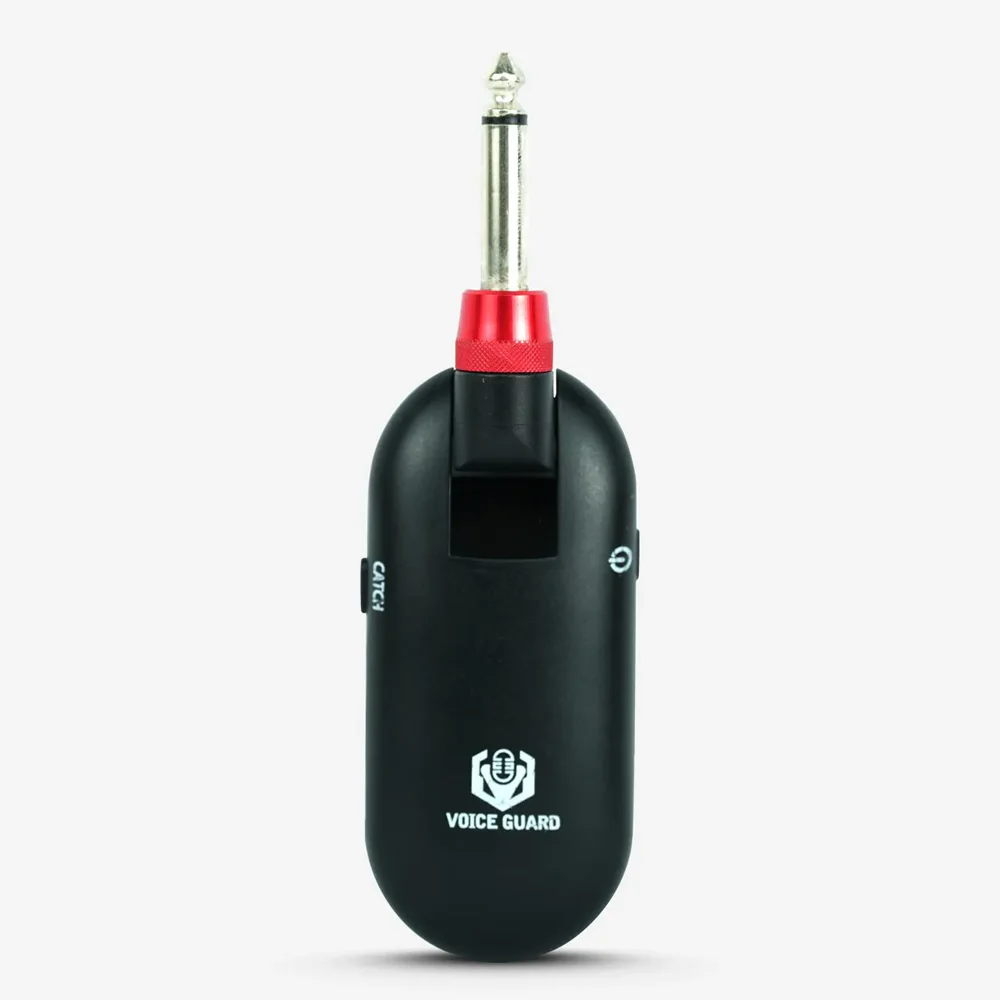
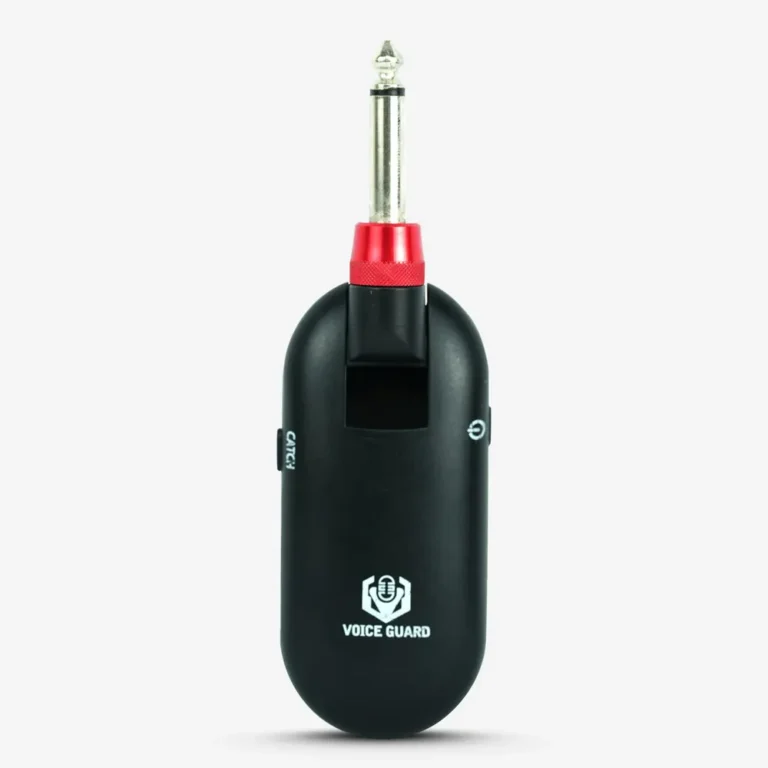
Actual QT-7 catalog image. Compatibility with a specific active instrument must be checked on the selected sample.
Define the instrument, not only the pickup type
List the guitar or bass models that buyers will use. Record the pickup or preamp type, battery condition, output jack, instrument controls and any boost setting. An “active” label may cover different output levels and equalizer ranges. A guitar with a boost engaged can present a different signal from the same guitar at neutral settings.
Include at least one passive instrument as a comparison, but do not treat it as the sole reference. If the target range includes piezo-equipped acoustics, active basses or stereo/dual-source outputs, test those separately. Check whether the plug geometry clears recessed jacks and angled instrument bodies. A connector that cannot seat securely is a compatibility failure regardless of audio quality.
The QT-7 product page describes a wireless instrument system. Its published specifications should be reconfirmed on the current sample and quotation because the page contains different distance figures in separate sections. This guide intentionally does not promise a range, runtime or active-pickup compatibility result.
Build a cable reference first
Use the same guitar, cable, amplifier or audio interface, gain structure and playing material. Record the direct wired sound at normal and strongest expected playing levels. Then replace the cable with the wireless sample without changing the downstream settings unless a documented setup procedure requires it.
Listen and, where possible, capture both signals for comparison. Keep level matching separate from headroom testing. A slightly louder wireless output can sound more impressive but still distort on peaks. Test clean and driven amp settings that reflect the intended use.
Check input headroom at the worst useful setting
Set the instrument volume and onboard EQ to the strongest setting that customers are likely to use. Play hard transients, low strings and sustained notes. Listen for clipping, pumping, unexpected compression, sputtering and intermittent mute. Repeat with boost or active EQ engaged if present.
If a transmitter has a gain or pad setting, record it in the approval sheet. Do not assume all wireless devices provide one. An older Shure PGX guide illustrates why some systems use a lower gain setting for active pickups; it is an example of test logic, not a claim about QT-7 controls.
| Test | Setup | Record |
|---|---|---|
| Physical fit | Target instrument jack and playing movement | Secure seating, clearance, strain |
| Normal level | Neutral EQ and typical playing | Level, noise and tonal comparison |
| Peak level | Hardest expected attack and boost | Distortion, limiter behavior, dropouts |
| Battery variation | Fully charged and near low-battery indication | Audio behavior and warning visibility |
| Interference | Representative venue and other active devices | Channel behavior and recovery |
| Multiple units | Planned simultaneous system count | Mutual interference and coordination |
Test the complete signal chain
Put the receiver before the effects or amp inputs specified by the buyer. Check output level into a clean input and a pedalboard, because some devices react differently to source level. Test cable routing, power or charging accessories, receiver placement and the mechanical security of both ends. The system should be evaluated as a complete kit, not merely a transmitter plugged into a guitar on a desk.
For wireless performance, use the intended venue type and layout. Walk the playing area, change body orientation, and test alongside the other systems expected in use. Do not invent one universal “safe distance.” The usable range depends on the environment, antennas, frequency plan and interference. Keep regulatory frequency suitability for the destination market as a separate approval item; the import-document checklist explains the documents to request.
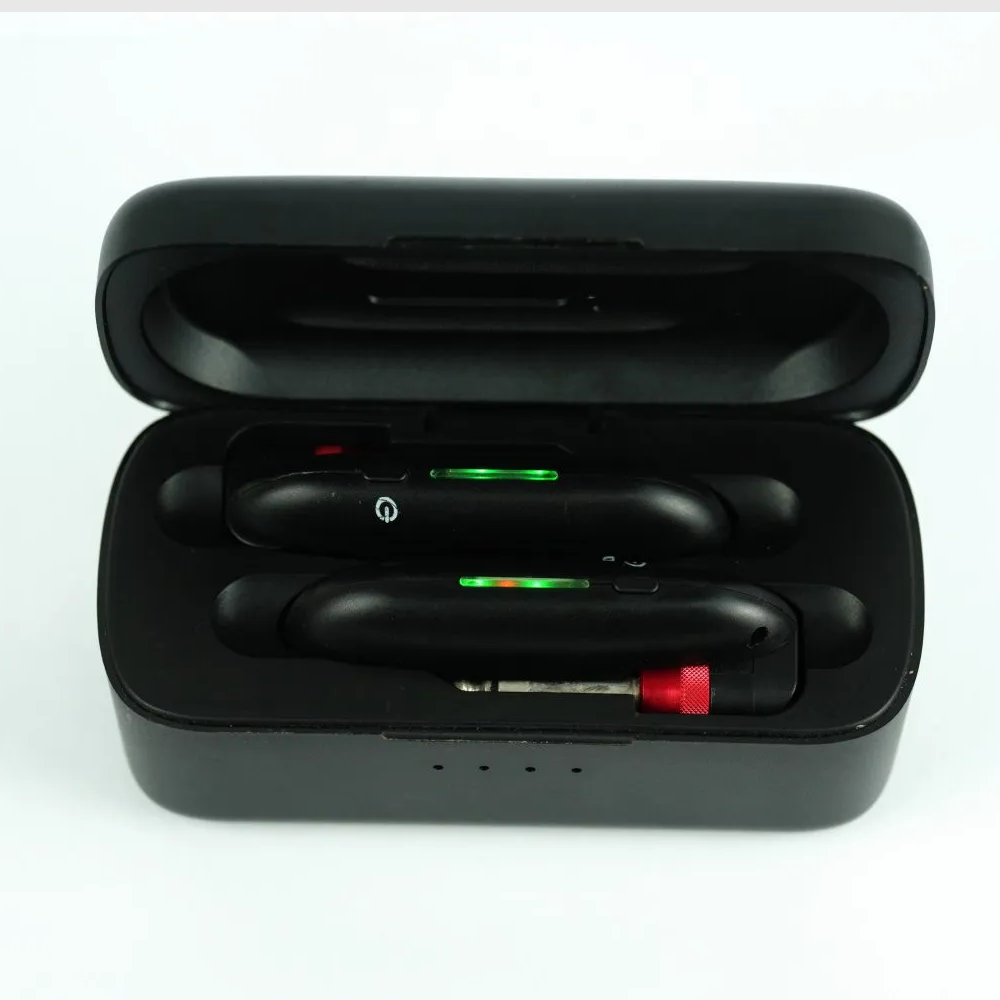
Actual product-gallery image. Confirm the included accessories against the quotation and approved kit list.
Capture pass and fail criteria before the pilot order
Define the instrument models, settings, test rig and sample units. A simple pass sheet should state whether the plug seats fully, whether peak playing distorts, whether noise is acceptable compared with the wired reference, and whether the system reconnects after charging or power cycling. Use measured limits only when the test method and equipment are agreed.
For a pilot lot, test more than the first device. Sample units from different cartons and repeat the peak-level and connection checks. Label the accepted transmitter/receiver version, accessories and firmware if applicable. If a part changes, check whether the active-pickup result still holds.
RFQ details that prevent ambiguous quotes
Send the target instrument list, pickup/preamp types, jack photos, target market, planned number of simultaneous systems, venue use, packaging language, estimated quantity and requested sample plan. Ask the supplier to confirm the current frequency option, kit contents, charging arrangement and any input-gain control for the selected version. A wireless sample approval plan can be used alongside this active-pickup check. Send the project brief for model-specific review.
Frequently asked questions
Do active pickups always need a special wireless system?
No. Compatibility depends on output level, connector and transmitter input design. Test the actual instrument and system together.
Is input impedance the only concern?
No. Headroom, physical fit, gain settings, noise and the destination frequency plan matter too.
Can one passive-guitar test approve an active-guitar range?
No. A passive reference is useful for comparison, but high-output active instruments need their own peak-level test.
What if the product page lists different range figures?
Request the current specification and run a venue-representative sample test. Use the approved result and market documentation for the purchase decision.
Conclusion
Treat active-pickup compatibility as a tested system requirement. A clear instrument list, wired reference, peak-level trial and documented kit version give buyers more confidence than a generic “works with guitars” claim.
Plan Your OEM/ODM Project
Share your target product, market, estimated quantity, branding, packaging and certification requirements with the SoundSentry Technical Team.
View Related Products Request Product Information or a Quote