GS-450 Preset Library Handover: Keep Distributor Demos Consistent
Create a clear GS-450 demo-preset handover: version list, IR dependencies, device checks, instructions and approval record.
Quick answer: Treat demonstration presets as controlled project material. Agree on the approved device version, preset names and settings, any third-party IR files, the language of customer instructions and a method for reproducing the approved demo on each sample. Do not assume that a file-transfer or backup feature exists until it is demonstrated on the exact unit.
For a distributor, the challenge is not simply finding an attractive sound. Sales staff, reviewers and dealers need to hear the same starting point, and a future sample needs to be traceable to the approved one. The GS-450 product page describes preset storage, app control and third-party IR loading. Confirm the exact workflow and compatibility on the supplied revision before promising a specific handover format.
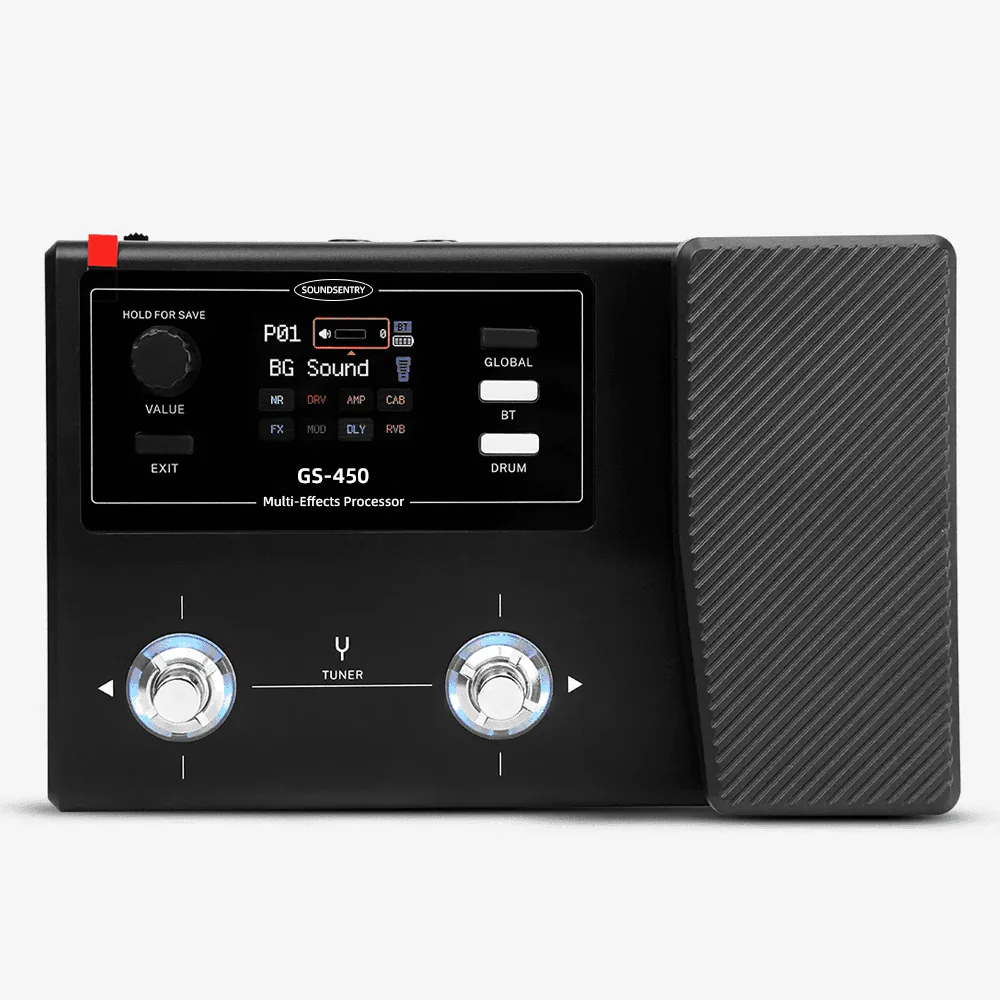
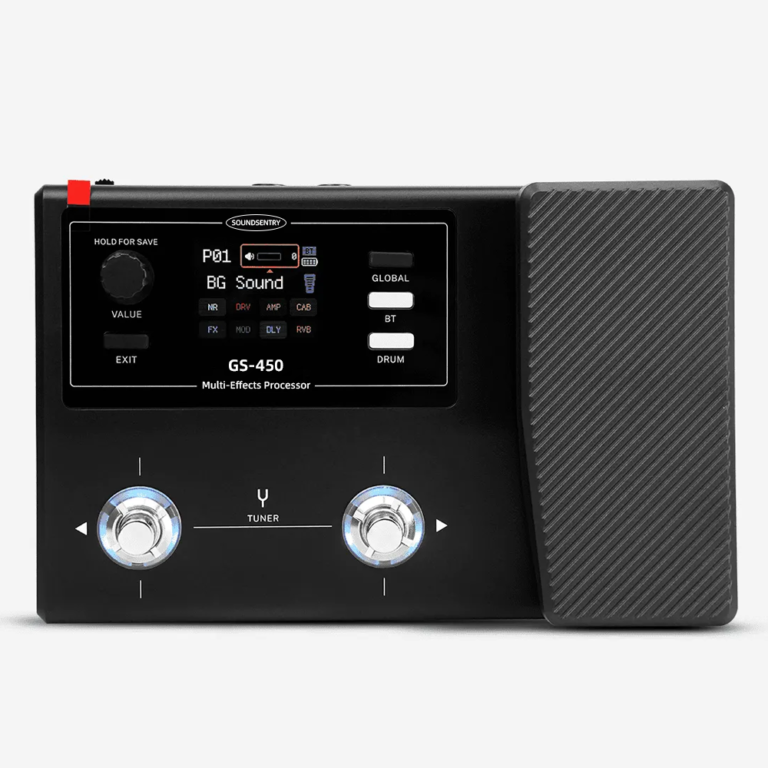
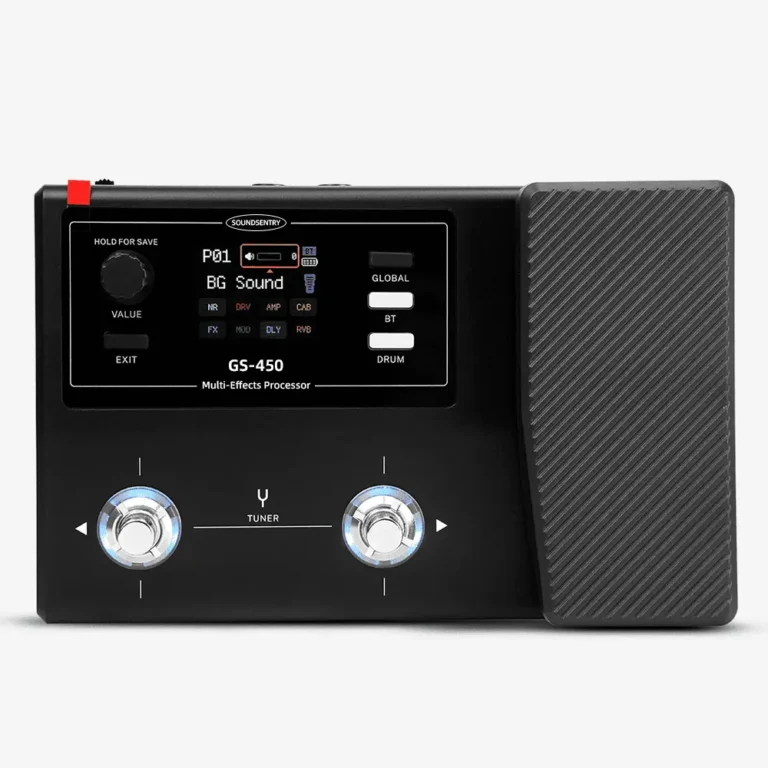
Actual catalog image; review the approved physical unit and its software version.
Define what a demo preset represents
Choose a small set of use cases—such as a clean reference, a driven rhythm example and an ambient example—rather than a long list that dealers cannot maintain. For each one, document the guitar type, output connection, monitoring level, signal-chain order, editable settings and any cabinet or IR dependency. A preset should be described as a starting point, not a guarantee of identical tone across guitars and loudspeakers.
If a third-party IR is used, record its source and the permission to distribute it. A demo that works only because an unlicensed or missing file is present on one sample is not ready for a dealer handover. Ask the supplier to show the exact method used to load, identify and, if necessary, re-create that configuration on another unit.
Build a simple handover pack
Use one versioned list for product samples, showroom units and training material. Avoid renaming presets in a translation without a mapping to the device display. Translate user-facing explanations and quick-start steps, while keeping technical identifiers aligned with the actual interface.
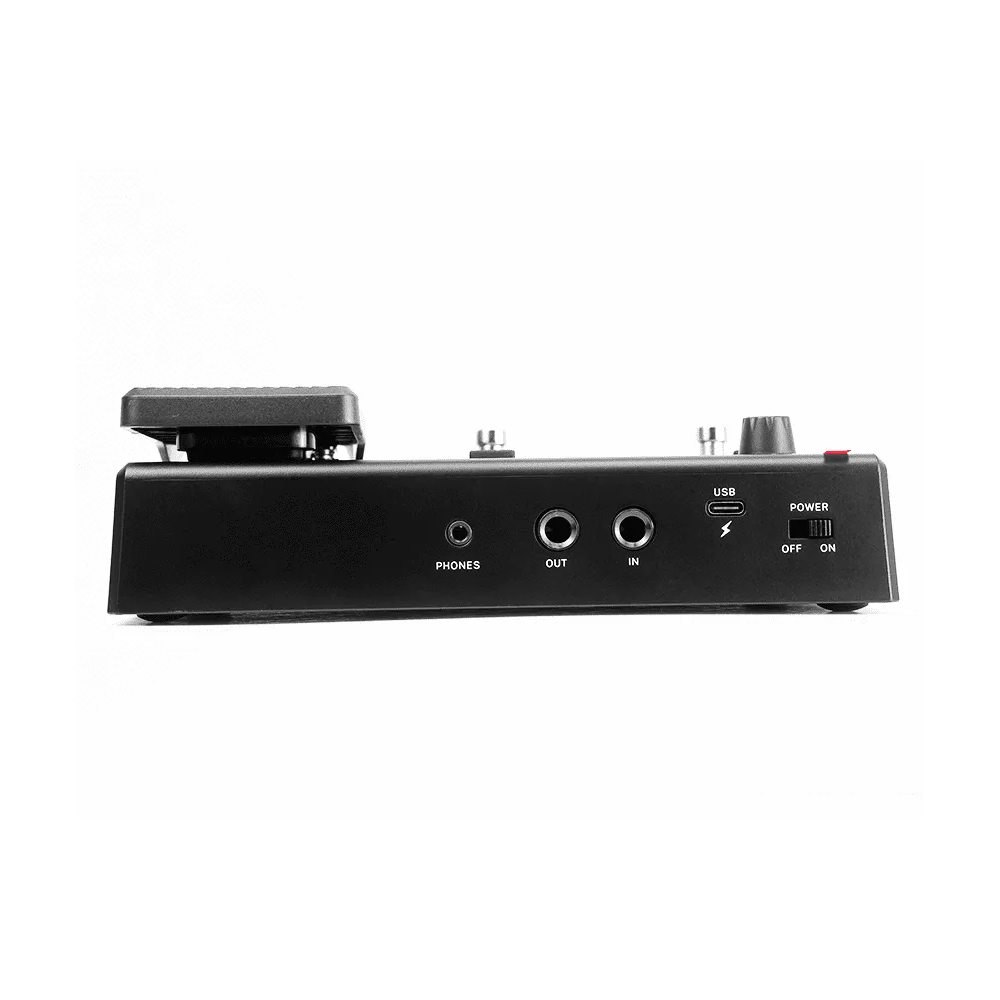
A product photo helps identify controls; it does not verify the stored settings.
| Handover item | What to record | Acceptance check |
|---|---|---|
| Device | Hardware/software revision if available | Matches approved sample |
| Preset index | Name, slot and purpose | Each example can be found |
| Signal chain | Order and key settings | Reproduced on another unit |
| IR dependency | File identity and usage rights | Present and authorized |
| Training copy | Language and connection diagram | Dealer can follow the steps |
Test the pack on a second unit
Give the instructions to someone who did not build the first demo. Ask them to set up a second GS-450 with the same guitar/output path and record ambiguities. Capture the approved settings and revision in a signoff sheet. If a procedure relies on an app, check the current app version and supported phone environment on the actual sample; do not assume permanent compatibility from a one-time demo.
For an RFQ, provide target markets, proposed demo scenarios, languages, sample quantity, branding scope and who supplies any IR content. Ask how the approved preset setup will be verified for subsequent samples. Contact SoundSentry with a brief that separates device features from materials your team will supply.
Frequently asked questions
Can a distributor send a preset file to every dealer?
Confirm the exact transfer workflow on the supplied version first; do not infer it from the presence of preset storage.
Should third-party IR files be included automatically?
No. Record the file source and distribution rights before including them in a handover.
What is the minimum approval evidence?
An identified sample, preset index, settings or reproducible procedure, dependencies and a second-unit check.
Plan Your OEM/ODM Project
Share your target product, market, estimated quantity, branding, packaging and certification requirements with the SoundSentry Technical Team.
View Related Products Request Product Information or a Quote