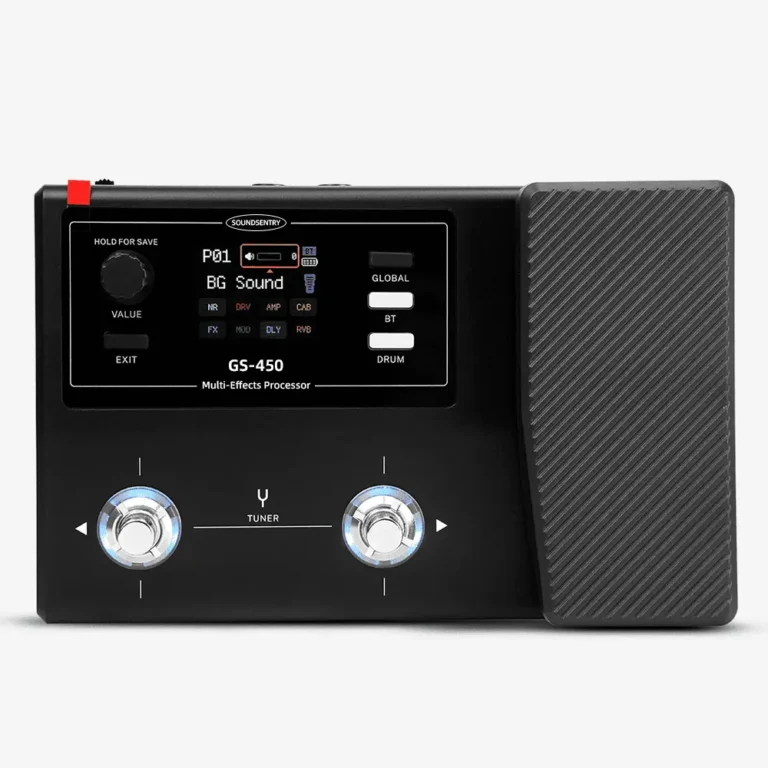
GS-450 USB recording and monitoring: a sample check for brand buyers
Check the GS-450 USB recording and headphone-monitoring paths on a named sample, including Record, BT REC and Monitor settings.
A GS-450 recording demo should show what reaches the recorded track and what the player hears through the monitor. Keep the guitar, preset, phone or computer, recording software and connection path fixed while checking each level control. Record the firmware and software versions used. This lets a brand approve a reproducible workflow rather than a video of a single successful take.
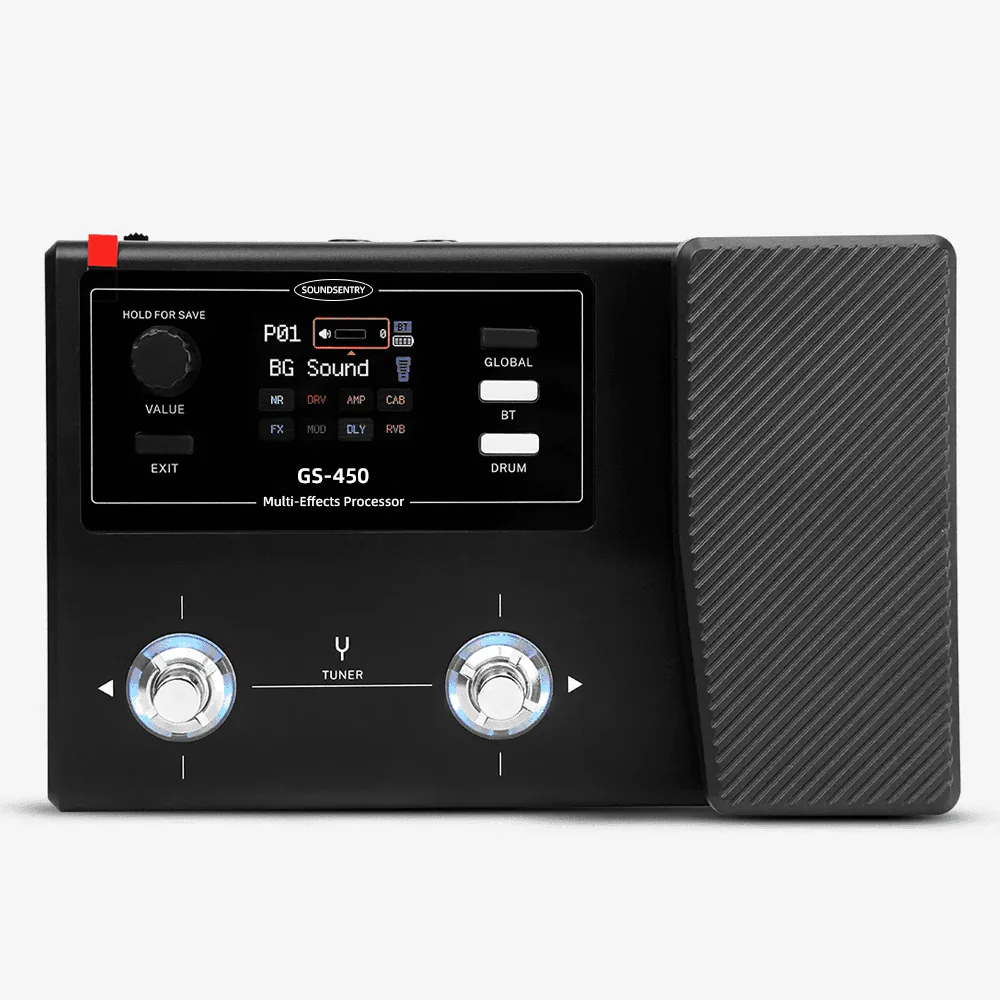
The GS-450 product page lists mobile OTG recording and stereo headphone monitoring. The operating reference supplied for this project describes USB recording, USB return monitoring and separate controls named Record, BT REC and Monitor. It also describes a two-input, two-output USB audio-interface mode and says Windows use requires a corresponding driver. These are documented functions to check on the actual branded sample, not a claim that every phone, computer or app combination has been tested.
Identify the sample and signal path
Before recording, note the sample identifier and firmware shown in its About screen. Record the computer or phone model, operating-system version, recording app, cable or adapter, guitar, preset and output connection. Use an ordinary listening level. If the intended workflow uses a phone, test that phone rather than assuming a computer result proves mobile compatibility.
The operating reference identifies a guitar IN jack, an OUT/PHONES jack and a USB Type-C connection. Ask the supplier to confirm the markings and connection instructions for the branded unit. Keep the input, USB recording path and headphone or monitor path separate in the test notes: sound in one path does not prove the others work as intended.
Test the three USB level settings separately
In the reference’s Global USB settings, Record controls the effect-chain level sent to USB recording; BT REC controls the Bluetooth-audio contribution to USB recording; Monitor controls USB return monitoring. For each setting, start from a documented position, change only that setting, then record what changes in the track and in the listening path. Restore the starting position before the next test. This is especially important if a backing track is part of the proposed retail demonstration: the buyer needs to know whether it appears in the captured file, the monitor, both or neither for the approved setup.
| Check | Keep fixed | Record the result |
|---|---|---|
| Guitar recording | Guitar, preset, performance source and app | Recorded level, channel assignment and audible effects |
| USB return monitoring | Recorded clip and headphone level | Whether return audio is heard and which control changes it |
| Bluetooth backing track | Same source track and device connection | Whether the track is captured, monitored or excluded |
| Reconnect | Same devices and settings | Whether the device is recognized again and the intended recording and monitoring routes return |
The table is an acceptance record, not a promise about default routing. If the result differs from the proposed retail copy, correct the copy or the configuration before sample approval.
Capture evidence a support team can reproduce
Keep a short recording from the approved setup, screenshots of the selected audio device and app settings, the three USB level values, the preset identifier and a connection diagram. Repeat the procedure after a power cycle and reconnection. If Windows is a target platform, identify the driver and version actually used; the reference does not establish support for every Windows release. If mobile OTG is part of the offer, test the named mobile device and adapter instead of treating the Type-C socket as universal phone support.
Do not run a factory reset as a routine demonstration. The operating reference says a reset clears edited presets and personalized settings. If reset behavior must be assessed, first preserve the approved sample state using a confirmed method and run the test on a separate unit.
The IR and app sample-acceptance guide addresses file loading and app behavior. The GS-450 preset handover guide covers reproducible dealer demos. This check is narrower: it records the USB audio and monitoring result a customer-support team would need to explain.
For an OEM/ODM inquiry, provide target markets, the exact recording devices and apps, intended headphone and Bluetooth use, sample quantity, branding scope and the result you need to reproduce. Ask SoundSentry which recording workflow, driver and documentation apply to the proposed GS-450 configuration.
Does USB Type-C alone prove mobile recording compatibility?
No. Confirm the phone, operating system, adapter, app and firmware on a representative sample.
Why record the Bluetooth-audio result separately?
The reference gives BT REC its own level setting. A buyer should verify how that source appears in the recorded and monitored paths before describing it to dealers or customers.
Plan Your OEM/ODM Project
Share your target product, market, estimated quantity, branding, packaging and certification requirements with the SoundSentry Technical Team.
View Related Products Request Product Information or a Quote