What’s in the Box? Define Guitar Product Accessories and Documents Before an RFQ
Use an itemized in-box matrix to clarify included accessories, documents, market versions and quoted pack scope.
Two quotations for the same guitar-product category can describe different shipping configurations. One may include a cable or power item; another may leave it optional. A buyer should compare an itemized in-box scope before interpreting a unit price or approving packaging artwork.
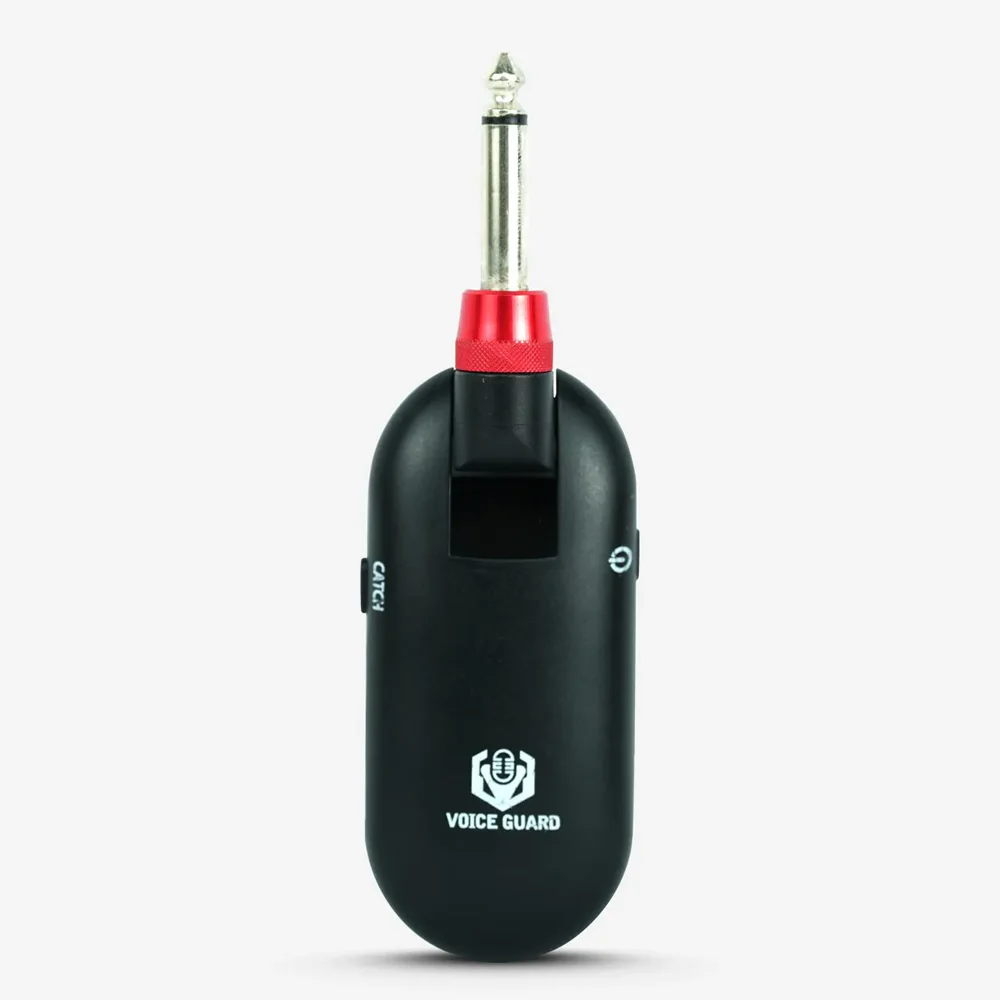
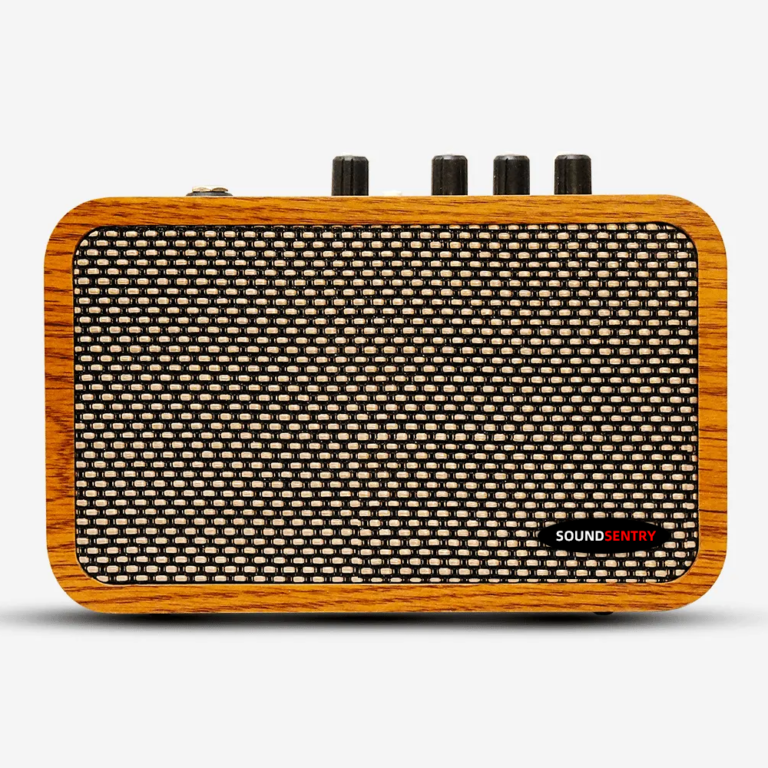
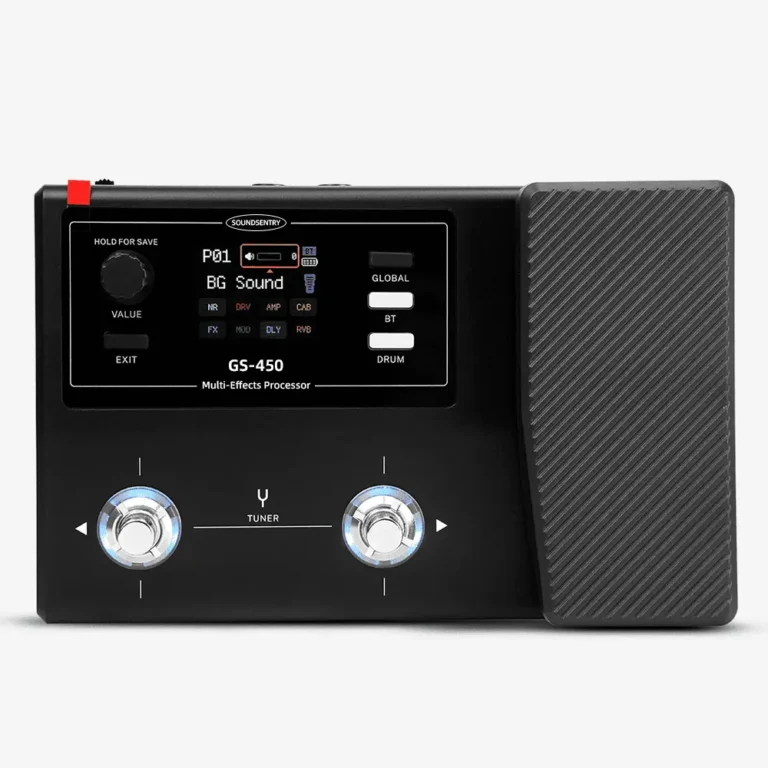
SoundSentry publicly presents amplifiers, wireless systems, pickups, effects and accessories. That range does not establish the contents of a particular retail box. Ask for the exact candidate model and pack version.
Build an included-item matrix
Start with the main unit, then list every physical accessory and printed or digital document that the end user is expected to receive. For each item, mark included, optional, buyer-supplied, excluded or not applicable. An explicit exclusion prevents a blank cell from being mistaken for an included item. Record quantity, relevant connector or fit requirement, language, artwork version and whether it is packed inside the retail box or a shipping carton.
The questions vary by category. An amplifier brief may need to identify the intended power arrangement and any included cable. A wireless-system brief may need to identify the transmitter and receiver configuration and any charging or connection items. A pickup brief may need mounting items or installation information. These are prompts, not claims about the contents of any SoundSentry SKU.
| Item | Status | Variant or language | Evidence still needed |
| Main product | Included or to confirm | Model and revision | Identified sample |
| Accessories | Included, optional, buyer-supplied or excluded | Connector, fit and quantity | Physical pack check |
| Instructions and labels | Included or to confirm | Destination market and version | Approved files |
| Outer and retail pack | Defined separately | Artwork and pack count | Approved pack sample |
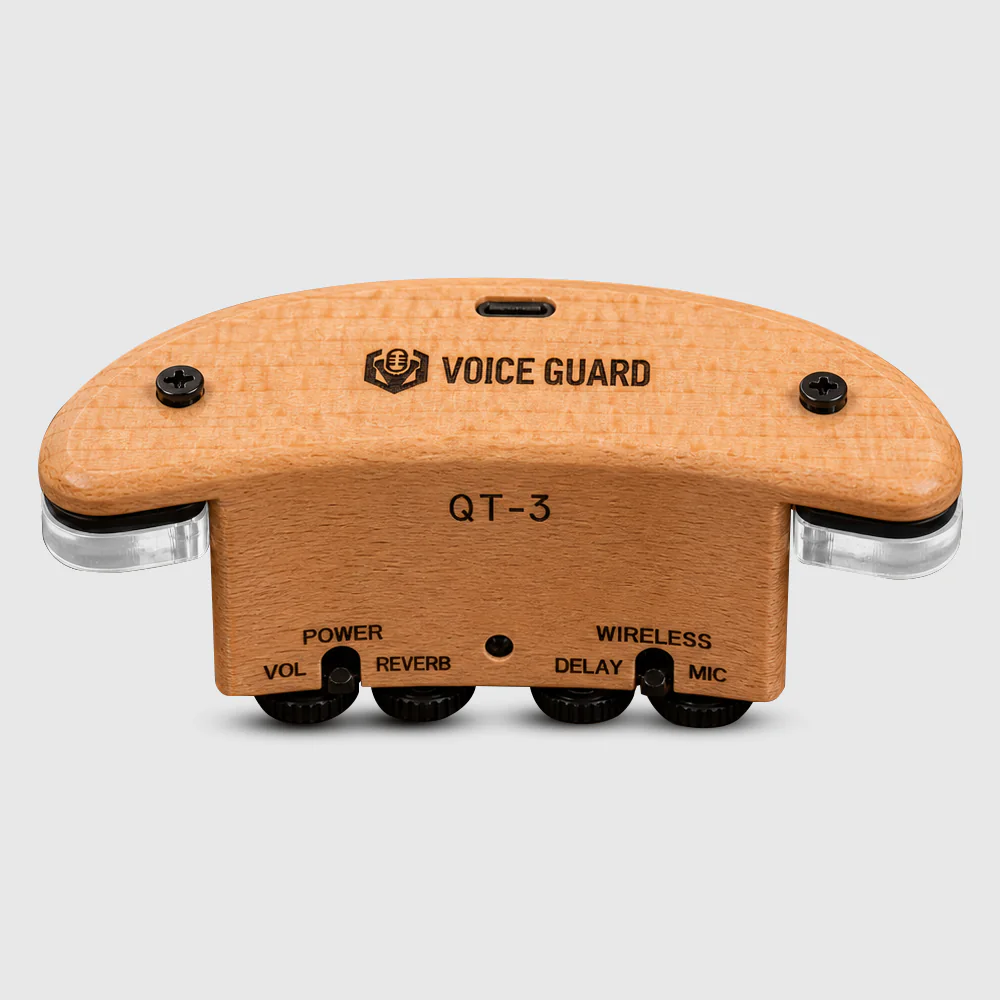
Check the actual pack, not only the artwork
Packaging artwork can be correct while the contents remain unresolved. Compare a packed sample with the item matrix. Photograph the opened pack in a way that identifies the model and version. Record missing, substituted or extra items and decide who will correct the matrix, quote or physical pack.
Do not use an image of a product with a cable or accessory as proof that the item ships in the box. Equally, do not assume an item shown in a generic instruction is available in every variant.
Carry the scope into the quote and handover
The final quote should identify the pack-matrix version and make the included configuration clear enough for the brand to compare candidates. Keep market-language files, manuals, artwork and product data tied to the same pack version. If the pack scope changes after sample approval, record it as a revision rather than silently replacing the old list.
For an RFQ, send the candidate category and model, destination market, expected sales channel, proposed accessory list, instruction languages, branding needs and target quantities. Ask for model-specific confirmation of included items and optional charges; this article does not state SoundSentry’s standard bundle.
Frequently asked questions
Is a product photo a valid pack list?
No. Use an itemized list and a checked physical sample for the exact model and variant.
Should documents be included in the same matrix?
Yes. Record which instructions, labels or inserts are expected and which versions apply to the destination market.
Plan Your OEM/ODM Project
Share your target product, market, estimated quantity, branding, packaging and certification requirements with the SoundSentry Technical Team.
View Related Products Request Product Information or a Quote