After Sample Approval: Controlling Revisions in an OEM Guitar Product Project
Record proposed changes, affected tests and document versions before releasing a revised OEM guitar product sample.
A sample-comparison record should identify what the buyer approved. A later change to a component, control, instruction or artwork may be small in appearance but still alter a buyer’s test or a dealer’s description. Record the proposed change against a named baseline before anyone treats the new version as approved.
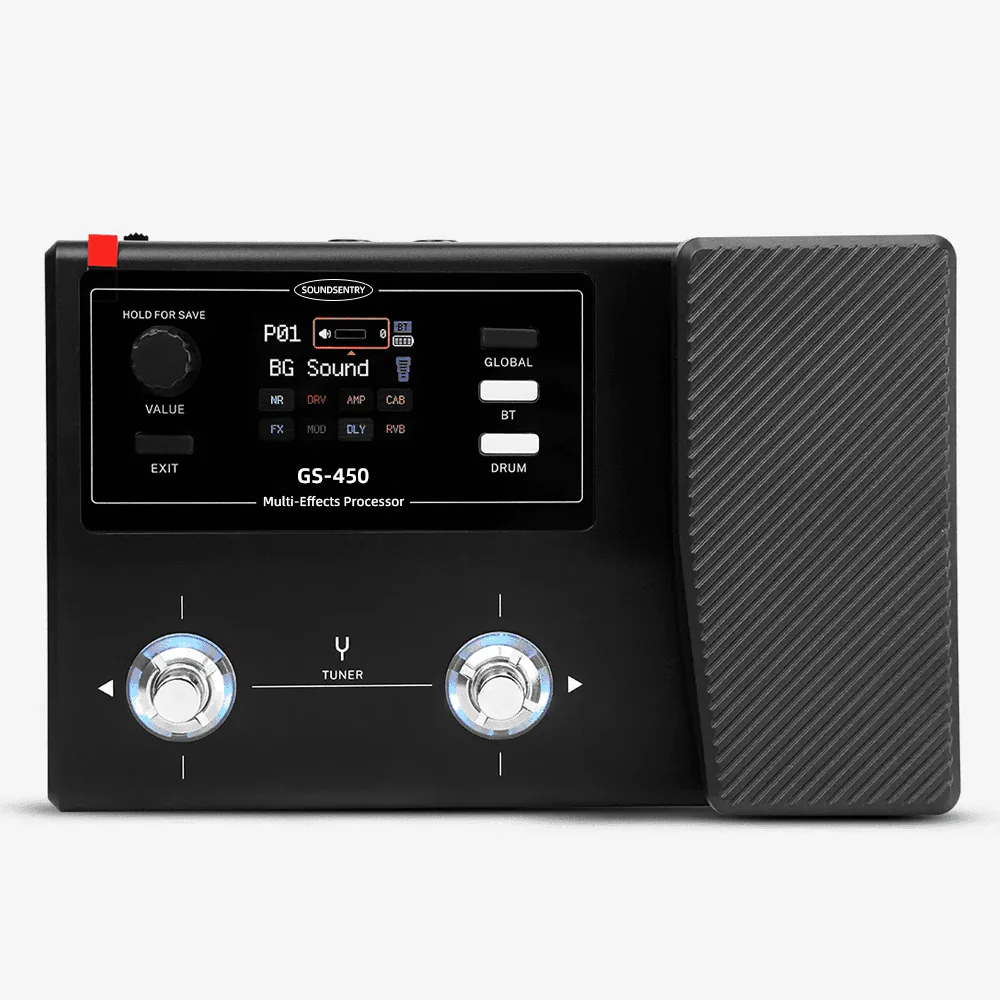
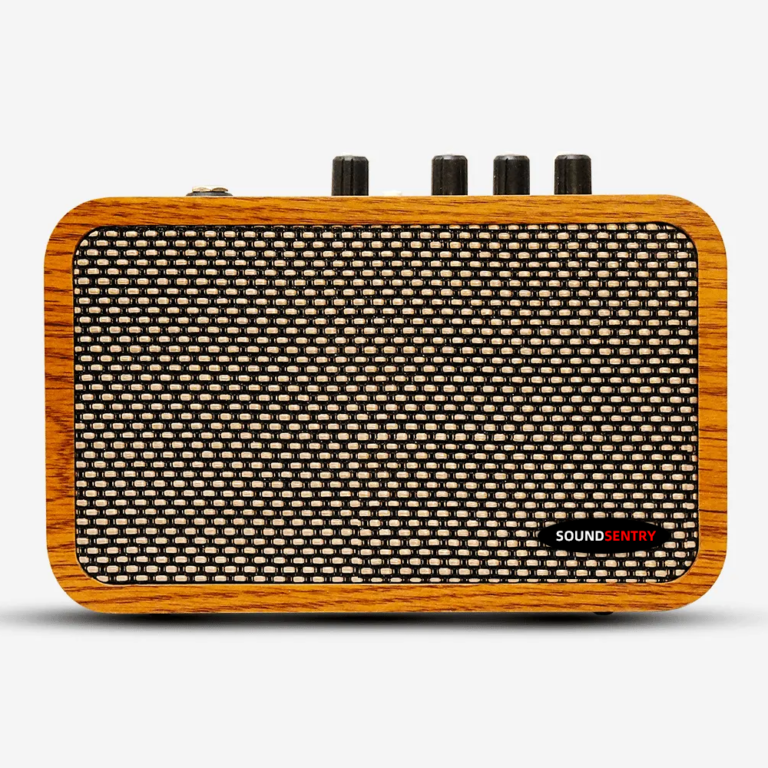
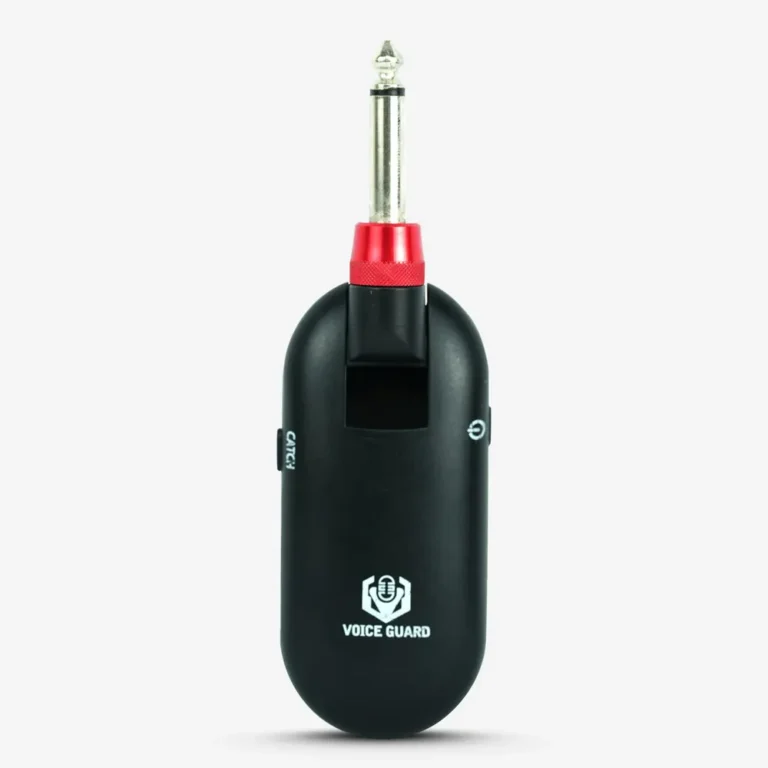
This is a buyer-side method for guitar amplifiers, wireless systems, pickups, effects and accessories. It does not describe a fixed SoundSentry change-control service. The current product range shows category examples; it does not identify project revisions or available substitutions.
Name the baseline and the change
Keep one approved reference with model, variant, sample ID, date, artwork and document versions. A change request should say what would be different, why it is proposed, which units or markets might be affected, and who raised it. If the proposal is still exploratory, label it proposed rather than approved.
Avoid a vague “new version” note. A control-label edit, a connector substitution, a firmware update and a box insert change are different review tasks. Each may affect a different combination of tests, instructions, images and quotations.
| Change record field | Question to answer |
| Baseline and proposal | What approved item is changing, and to what proposed revision? |
| Scope | Which model, variant, market, order or document is affected? |
| Recheck | Which earlier observation or approval must be repeated? |
| Decision | Who accepted, rejected or held the change, and on what evidence? |
Recheck only the affected claims, but do not skip the connections
The team should choose a retest from the possible impact, not from how convenient the change sounds. If a control sequence changes, revisit the demonstration card and instructions. If a connector or included cable changes, revisit the intended signal path and pack list. If a label changes for a destination market, check the exact artwork and applicable documentation with the responsible market specialist.
Document what was checked and what was deliberately out of scope. A passing test on one setup does not establish compatibility in every setup. Keep the old approval intact as a historical record; do not overwrite it with the new proposal.
Release one current version to each downstream owner
Once a change is approved, update the version shown in the quotation, pack list, product data, instructions and dealer materials that actually depend on it. Name the effective order or sample and tell each owner which older file is retired. If a change is rejected or pending, do not let a draft image or spec sheet circulate as approved.
Use the RFQ page to identify the candidate model, approved sample reference, proposed change, target market, affected materials and decision deadline. Ask SoundSentry which model-specific change and approval steps are available; this article does not promise a particular process.
Frequently asked questions
Does a new artwork file require a new product test?
Not automatically. Identify what changed and whether it affects labels, instructions, packing or product operation. Record the reason for any test not repeated.
Can a new sample use the old approval record?
The old record is the comparison baseline. The new sample needs its own identity and an explicit decision on the changed points.
Plan Your OEM/ODM Project
Share your target product, market, estimated quantity, branding, packaging and certification requirements with the SoundSentry Technical Team.
View Related Products Request Product Information or a Quote