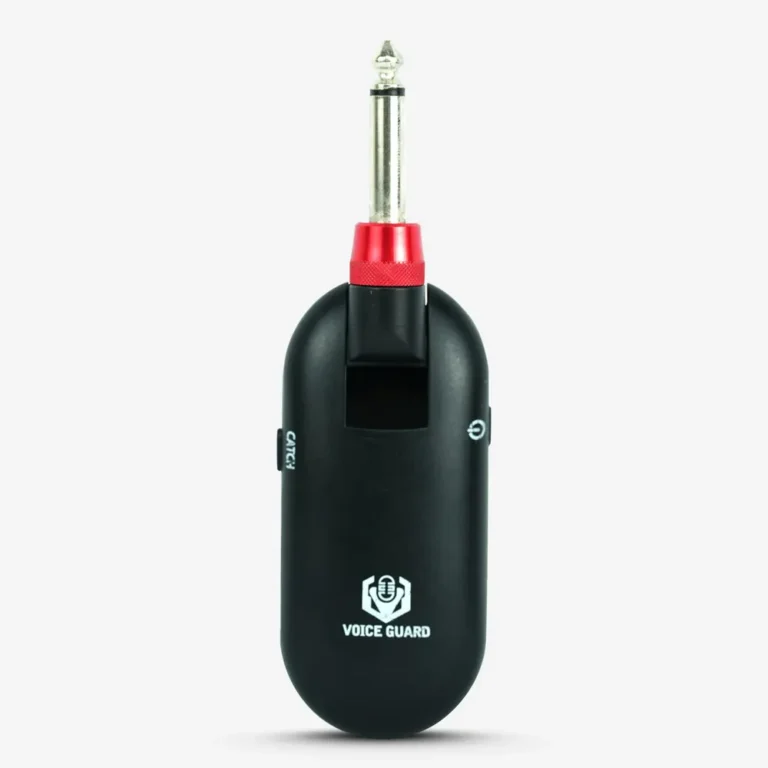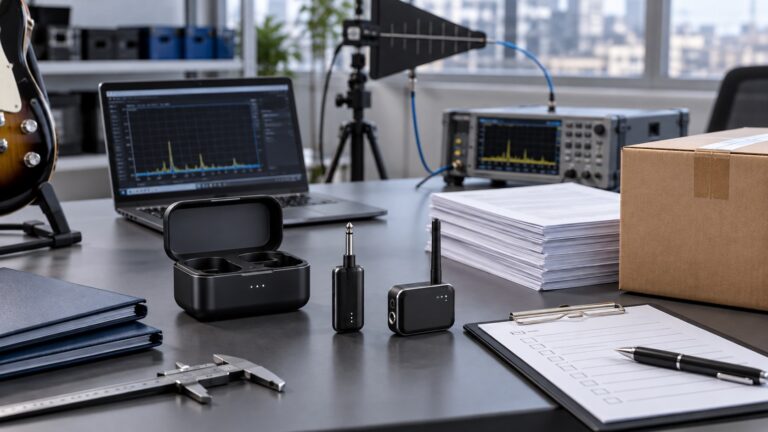
Low Latency Wireless Guitar System OEM Testing Guide
A practical guide for OEM buyers evaluating low latency wireless guitar systems, including delay, range, interference, plug design, battery life and packaging.
OEM Buyer Summary
This testing guide helps OEM buyers evaluate a wireless instrument system under clearly defined conditions instead of relying only on headline specifications.
Low Latency Wireless Guitar Systems: What OEM Buyers Should Test Before Ordering
Low latency is one of the most important selling points for a wireless guitar system. It is also one of the easiest claims to misunderstand. A product page may say “low latency,” but buyers still need to know how the number was measured, whether the playing feel is natural, and whether the system remains stable in real-world use.
For OEM buyers, a wireless guitar system is not just a small accessory. It is a performance product. If it delays the signal, drops out, changes tone, or fails to charge, players will notice immediately.
This guide explains what brands, importers, and retailers should test before placing a private label or OEM order.
Why Latency Feels Personal to Guitar Players
Guitar is a direct instrument. The player touches the string and expects sound at once. Even a slight delay can disturb timing, especially with clean rhythmic playing or fast lead lines. Some players can tolerate small delay in a practice situation, but very few accept delay on stage.
When reviewing a wireless sample, do not only read the specification. Play through it. Compare it against a cable. Use different playing styles:
– Clean chord strumming
– Palm-muted rhythm
– Fast alternate picking
– High-gain lead
– Fingerstyle dynamics
If the system feels disconnected from the fingers, the latency may be too high or inconsistent.

Ask for the Test Method
A latency number is only useful when the test method is clear. Buyers should ask whether the supplier measured total input-to-output delay or only part of the wireless processing.
Ask:
– What is the measured latency in milliseconds?
– Was the final production hardware used?
– What test equipment was used?
– Does the number include both transmitter and receiver?
– Is the result stable across multiple units?
If the supplier cannot explain the test, treat the claim carefully. A good OEM partner should be able to discuss latency in practical terms.
Range and Stability Should Be Tested Together
Some wireless systems can reach a long distance in an open area but become unstable in a normal rehearsal room. For buyers, reliable usable range is more valuable than an impressive maximum number.
Test in several environments:
– Open office or warehouse
– Room with Wi-Fi routers nearby
– Rehearsal room with amps and pedals
– Small stage or classroom
– Store environment with people moving around
Walk while playing. Turn your back to the receiver. Move near other electronic devices. If the signal drops for half a second, a player will remember it.
Tone Comparison Against a Cable
Wireless systems should not remove the character of the instrument. Some low-cost systems reduce highs, compress the attack, or add noise. These changes may not be obvious in a factory video, but they become clear when compared with a cable.
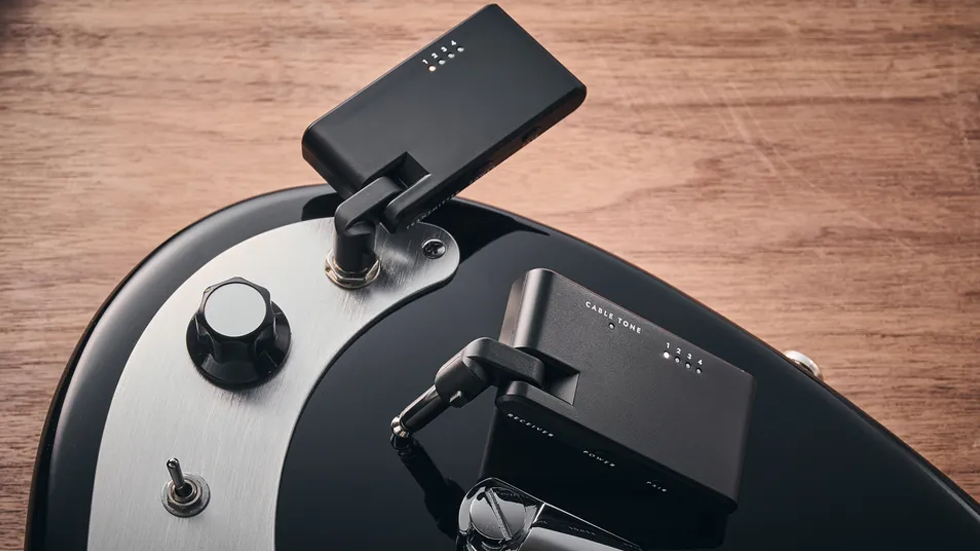
Use this simple test:
- Plug the guitar directly into the amp with a good cable.
- Play the same part through the wireless system.
- Keep amp settings unchanged.
- Compare clean tone, drive tone, and volume response.
- Test both single-coil and humbucker pickups.
Single-coil guitars reveal noise and high-frequency loss. Humbuckers reveal clipping or compression under stronger output.
Battery Life Has to Match the Use Case
A wireless guitar system is often used for practice, rehearsal, lessons, and small performances. Battery life should be long enough for the target customer.
Confirm:
– Transmitter runtime
– Receiver runtime
– Charging time
– Charging cable type
– Low battery indication
– Whether both units charge at the same speed
– Whether a charging case is available
Runtime should be tested at normal use, not only idle mode. If the product will be sold to gigging musicians, battery confidence becomes part of the brand promise.
Plug Fit and Rotation
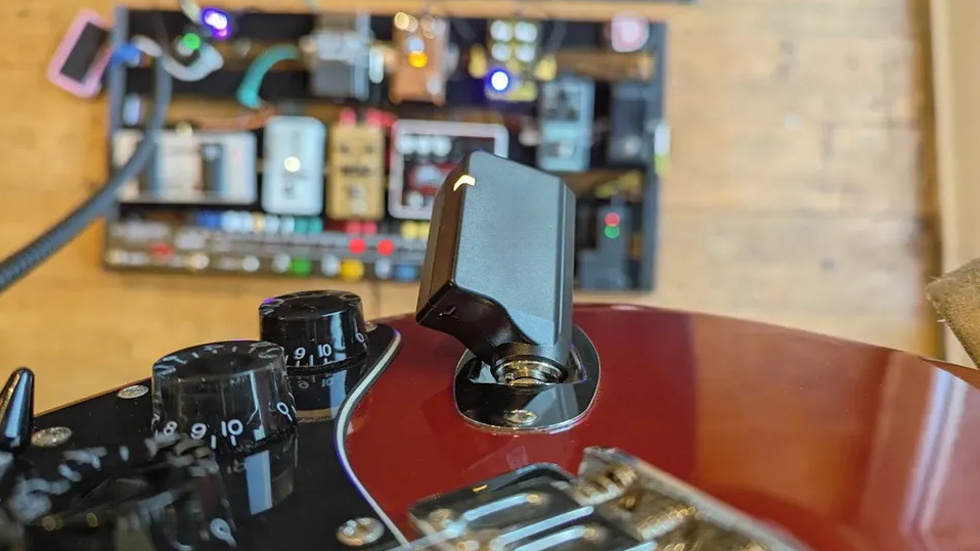
The plug design is easy to overlook. It determines whether the transmitter fits different guitar bodies comfortably.
Test compatibility with:
– Strat-style recessed jack
– Les Paul-style side jack
– Telecaster-style jack cup
– Acoustic-electric endpin jack
– Bass guitar output jack
Check whether the plug rotates smoothly but stays in place. If it is too loose, the transmitter may move during playing. If it is too tight, users may feel the product is cheap or difficult to adjust.
Multi-Unit Testing

If your target customers include bands, music schools, or rehearsal studios, test more than one system at the same time. One unit working alone does not prove that several units can work together.
Multi-unit test points:
– Pairing independence
– Signal crossing between units
– Dropouts when several players move
– Noise increase
– Connection recovery
For schools and retailers, this is especially important. A teacher may use several wireless systems in the same room, and a bad experience can affect repeat orders.
Packaging and Instructions
Wireless products need clear instructions. Pairing, charging, LED indicators, and troubleshooting should be explained in plain language.
Packaging should include:
– Transmitter and receiver identification
– Charging instructions
– Pairing steps
– Runtime information
– Compatible instruments
– Warning about Bluetooth vs low-latency wireless if relevant
– Support contact or warranty information
Many returns happen because customers do not understand pairing or charging. Clear instructions reduce support pressure.
Common Buyer Mistakes
The most common mistake is choosing the lowest quotation without checking how the supplier reached that price. A cheaper wireless system may use a weaker battery, less stable transmission, a fragile plug, or a simpler packaging standard. These details may not appear in the first quotation, but they appear later in customer reviews.
Another mistake is testing only one sample in a quiet office. A wireless product should be tested while moving, near other electronics, and with several guitars. Buyers should also test more than one unit if the order will be sold to schools, rehearsal rooms, or bands.
Finally, do not approve packaging before checking the manual. Pairing steps, LED behavior, and charging instructions should be easy enough for a first-time user. If the manual is unclear, the product may create unnecessary after-sales messages even when the hardware is fine.
What to Include in an OEM Brief
A clear OEM brief helps the supplier recommend the right platform. Instead of asking only for “best wireless guitar system price,” buyers should describe the intended sales channel and customer level.
A useful brief may include:
– Target market and sales channel
– Expected retail price
– Desired latency range
– Minimum usable range
– Battery runtime target
– Charging method
– Plug rotation requirement
– Packaging style
– Logo position
– Certification market
– Estimated first order quantity
If the buyer has a reference product, share what is liked and disliked about it. This helps the supplier understand whether the priority is cost, performance, packaging, or a balance of all three.
When to Choose a Higher Specification
Not every market needs the highest specification. A beginner practice product may focus on price and ease of use. A product for gigging players should prioritize stability, battery confidence, and plug strength. A product for schools should handle multiple systems in the same room.
Buyers should spend more on specifications that customers can feel. Low latency, stable pairing, reliable charging, and durable plugs are usually more valuable than decorative claims that do not improve playing.
Final Thought
Low latency is not a slogan. It is something players feel. For OEM buyers, the best way to evaluate a wireless guitar system is to play it like a customer, test it in real rooms, compare it with a cable, and check charging and plug fit carefully.
Sound Sentry Music supports OEM/ODM wireless instrument system projects for brands, wholesalers, and retailers. Before requesting a sample, prepare your target market, latency expectation, battery requirement, packaging style, and certification needs.
FAQ
Is Bluetooth suitable for low-latency guitar transmission?
Standard Bluetooth is usually not ideal for live guitar transmission because latency can be noticeable. Dedicated wireless guitar systems are normally better for playing.
How should buyers test wireless guitar system range?
Test in real environments, not only open space. Rehearsal rooms, stores, classrooms, and stages give a better picture of usable range.
Why compare wireless tone against a cable?
A cable gives a familiar reference. Comparing against it helps reveal tone loss, noise, compression, or high-frequency changes.
Plan Your OEM/ODM Project
Share your target product, market, estimated quantity, branding, packaging and certification requirements with the SoundSentry Technical Team.
View Related Products Request Product Information or a Quote
OEM Buyer Checklist
- Record the latency test method and signal path.
- Test line-of-sight and obstructed operating conditions.
- Evaluate interference in the intended use environment.
- Test charging, battery indication and operating duration.
- Check multiple systems operating in the same area.
- Confirm input, output and instrument compatibility.
Continue with our OEM/ODM process, quality-control approach, certification guidance or request model-specific information.
Frequently Asked Questions for OEM Buyers
Can a wireless guitar system be described as zero latency?
No practical digital wireless system should be treated as universally zero latency. Buyers should request a measured result and test conditions for the specific model.
Why can operating range vary?
Range can change with obstructions, interference, antenna orientation, battery condition and the surrounding RF environment.
What should an OEM sample test include?
Test latency, range, interference behavior, charging, operating duration, controls, connections and compatibility under defined conditions.