Multi-Effects Pedal IR and App Functions: An OEM Sample Acceptance Plan
Evaluate IR loading, mobile app control, preset recall and documentation on a multi-effects pedal sample before a brand or distributor order.
Quick answer: When a multi-effects pedal is sold with third-party impulse response (IR) loading and mobile app control, approve the complete workflow, not only the feature names. Test the file requirements, import and replacement steps, sound recall, backup and restore, app pairing, operating-system support and user instructions on production-representative samples. Record the hardware and software versions that passed.
This matters to guitar brands and distributors because digital functions create support questions after the product ships. A customer may ask why an IR file will not load, where a preset went, or whether a new phone still connects. A sample approval plan should reveal those questions early and decide what the package, manual and support team will say.
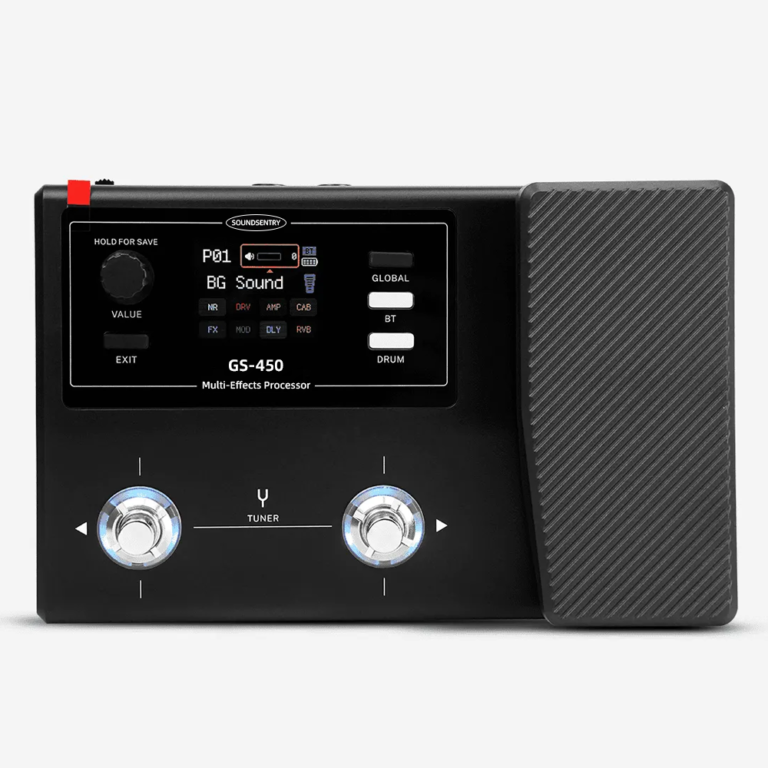
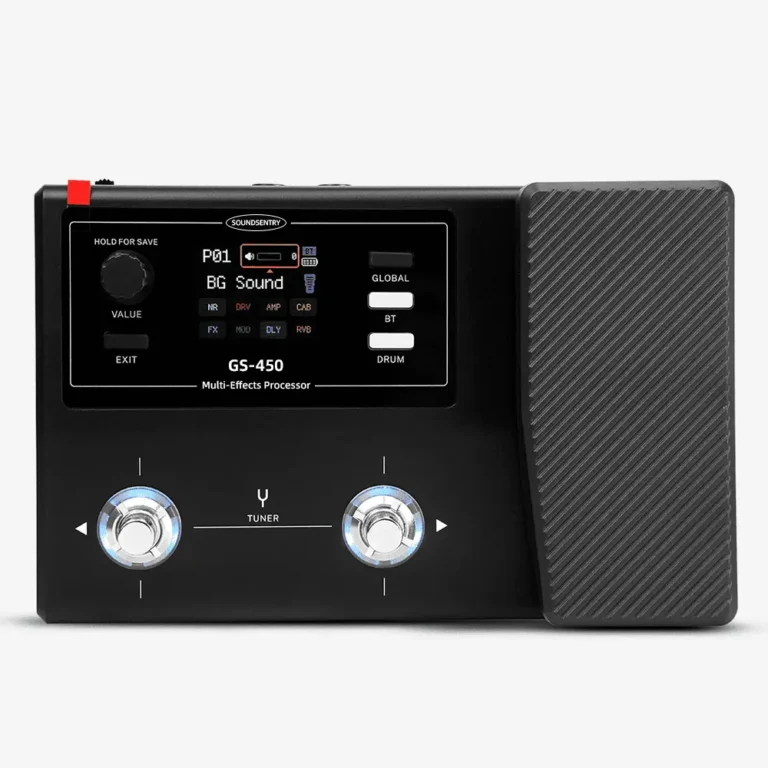
The GS-450 catalog page lists third-party IR loading, mobile app control, preset storage, Bluetooth backing-track playback, headphone monitoring and mobile OTG recording. This article uses that feature set as an example of a buyer test plan. The exact supported file formats, app versions, memory limits and device compatibility should be confirmed on the selected sample and current documentation.
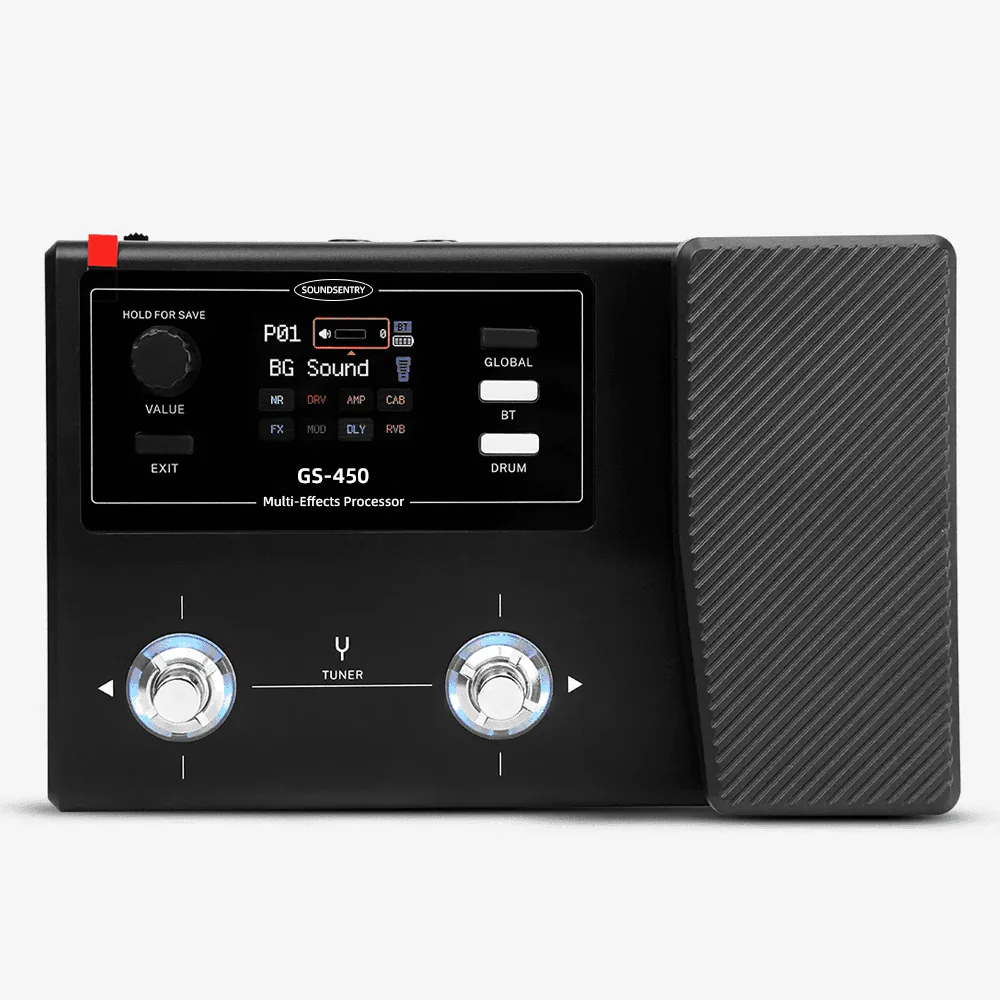
Actual product image. Verify current software behavior on the approved hardware revision.
Separate the signal path from the control path
An IR is usually used to reproduce a cabinet or acoustic response in a digital signal chain, but the result also depends on where the IR block sits relative to amp simulation, effects and output routing. Draw the proposed chain and identify whether an IR is active at the headphone, recording and main outputs. Do not infer the GS-450 routing from the presence of an “IR loading” label.
The mobile app is a control path. It may edit parameters, save presets, transfer files or manage device settings, depending on the current implementation. Ask for a function list and test each function separately. BOSS’s IR-200 documentation shows how a manufacturer can specify supported IR file properties and loader behavior; its limits are for that BOSS product and must not be copied into a GS-450 purchase specification.
Define test files and a repeatable listening rig
Ask the supplier for the current IR import instructions and allowed formats. Prepare a small test set: one supplied compatible file, one buyer-owned file confirmed to meet the stated requirements, one deliberately incompatible file, and one file with a long or non-ASCII name. Record whether the device rejects unsupported files clearly and whether a failed import leaves existing presets intact.
Use a fixed guitar or replay signal, output level, headphones or monitor and audio interface. Compare the factory setting, imported IR, bypassed IR and a restored preset at matched levels. The purpose is to confirm repeatable routing and recall, not to claim that one cabinet response is objectively superior.
| Function | Buyer test | Evidence to retain |
|---|---|---|
| IR import | Load an allowed file and an invalid file | File properties, messages, time and result |
| IR assignment | Assign to a preset, switch away and return | Preset ID and recalled routing |
| Backup | Export or record user data by the supported method | File and restore instruction |
| App pairing | Pair on supported phone versions | OS, app and firmware versions |
| Parameter edit | Change, save and restart | Before/after settings and persistence |
| Output routing | Compare headphones and recording path | Connection diagram and captured audio |
Test the app like a customer would
Start with a clean phone install and the published connection instructions. Pair the device, change a parameter, save the result, disconnect and reconnect, then restart both phone and pedal. Repeat on the phone operating systems and versions the buyer intends to support. Record permissions and any account requirement. Do not promise broad app compatibility without a documented list.
Check whether the app can recover after an interrupted connection. If the pedal works without the app, document which functions remain available from the hardware. If an app is essential for a promoted feature, the support plan should include a way to obtain the approved app version and instructions for future updates.
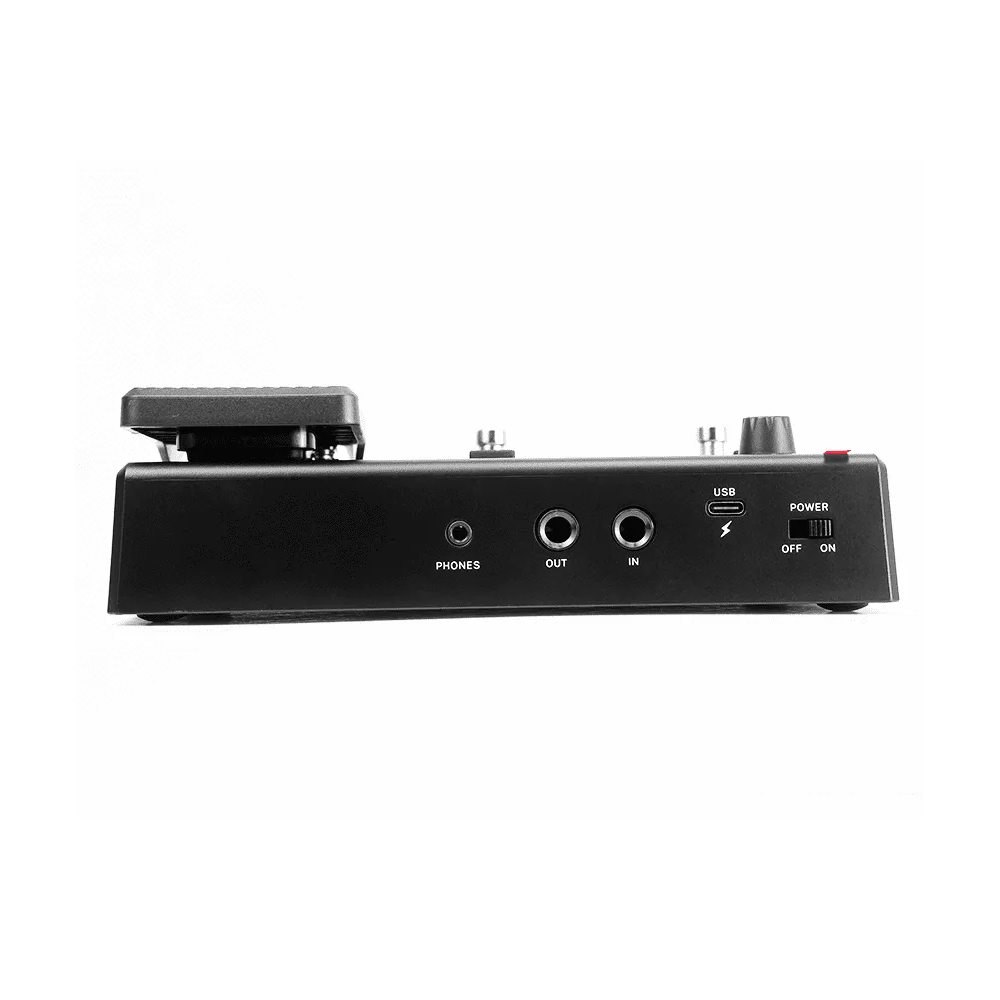
Actual product-gallery image. Inspect labels, connectors and control names on the supplied sample.
Verify preset behavior before branding the manual
Create several buyer test presets with clear names. Change an IR, adjust a parameter, save, switch presets and power cycle. Check what persists. Test factory reset only on a disposable sample after documenting any stored data. Record what a reset removes and how the user can restore approved content.
For a private-label program, establish who supplies the final factory presets, IR files, app screenshots and translations. The manual should match the shipped firmware and the actual interface. A generic manual copied from another revision can create more returns than a modest feature difference.
Include service and change control
Ask how hardware revision, firmware, app version and preset content are identified on the unit or records. Define which changes trigger buyer notification and sample reapproval. Important changes include an altered IR parser, output routing, app pairing method, preset storage, display text, charging or power behavior, and included cable or adapter.
The multi-effects bulk-order guide covers assortment and broader procurement. The sample approval checklist covers the general device. This article focuses on the IR and app functions that require software-specific evidence.
What to send with the RFQ
Provide the target buyer and price position, required effects and IR workflow, supported phone markets, preferred manual languages, expected quantity, branding scope, preset ownership, packaging and sample request. Ask the supplier for the current feature list, file requirements, app distribution method and revision identifiers. Contact SoundSentry to discuss the current GS-450 configuration and which changes are available for the project.
Frequently asked questions
Does “supports third-party IR” mean every IR file will load?
No. The buyer needs the supported format, size and import method for the selected hardware and software version.
Can an app screenshot prove the pedal works with a phone?
No. Pair, edit, save, disconnect and reconnect on the actual supported phone versions.
Why test backup and restore?
They show whether a user can recover approved presets after a reset, update or device replacement, subject to the product’s actual supported functions.
What should be frozen at sample approval?
Record hardware revision, firmware, app version, manual revision, preset content, supported IR requirements and the exact sample that passed.
Conclusion
Digital pedal features should be purchased as tested workflows. File import, preset recall, app pairing, output routing and support instructions all belong in the approval record. This gives the brand a defensible basis for its product copy and after-sales material.
Plan Your OEM/ODM Project
Share your target product, market, estimated quantity, branding, packaging and certification requirements with the SoundSentry Technical Team.
View Related Products Request Product Information or a Quote