Multi-Effects Pedal OEM Guide: Building a Practical Product Line for Dealers
OEM Buyer Summary
A product-line guide for brands and dealers evaluating multi-effects pedal features, usability, connectivity and sample approval.
A multi-effects pedal can be a strong product for music retailers and private-label brands, but the product should match the target player, price position and sales channel. Feature count alone does not establish usability or product quality.
Define the Target Player
Start by defining whether the product is intended for beginners, home-practice users, recording users, music schools, small-gig players or dealer bundles. Beginners normally need clear navigation and usable presets. More experienced users may evaluate editing, IR loading, recording, tuner, rhythm and footswitch functions.
Select Useful Effects and Controls
Buyers should evaluate whether the available effects are usable and easy to explain, rather than relying only on the number of effects. Compressor, drive, amp and cabinet simulation, modulation, delay, reverb, noise control and EQ should be reviewed on the specific sample.
IR Loading and Presets
IR loading can support recording, headphone practice and direct-output use cases, but the supported format, available slots and loading process must be confirmed by model. Presets should be reviewed for sound, naming and volume consistency.
Tuner, Footswitches and Interface
Review tuner response, display visibility, footswitch operation, preset switching and control layout. A sample should be tested during real playing rather than evaluated only from a specification sheet.
Bluetooth, App and Recording Functions
Bluetooth playback, app control and recording are different functions. Buyers should confirm exactly which functions the model supports, test pairing and reconnection, and evaluate recording on the intended phone or computer where applicable.
Connectivity and Product Positioning
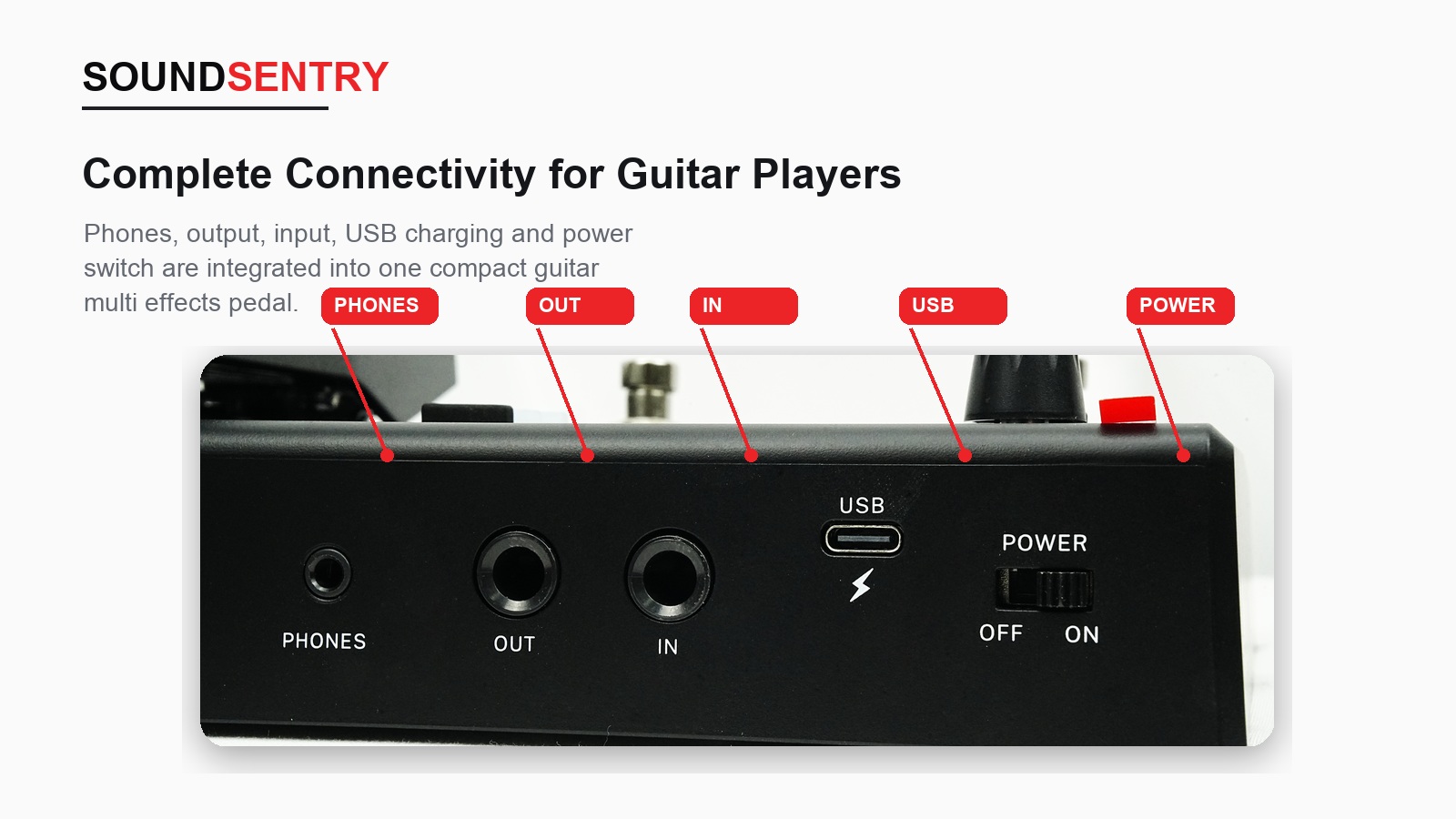
Headphone output, instrument input, auxiliary audio, USB, OTG or other connections should support a defined use case. Dealer materials should explain how the product supports practice, recording or performance rather than presenting an unexplained list of ports.
Sample Approval
Test several representative presets, controls, switching, tuner, headphone practice and recording functions. Review the enclosure, labels, branding, accessories, packaging and instructions. The approved sample and specification should be retained as the production reference.
Information Buyers Should Prepare
- Target player and retail position
- Required effects and editing functions
- IR, Bluetooth, app or recording requirements
- Connections and power requirements
- Branding, color and packaging
- Target market and required documentation
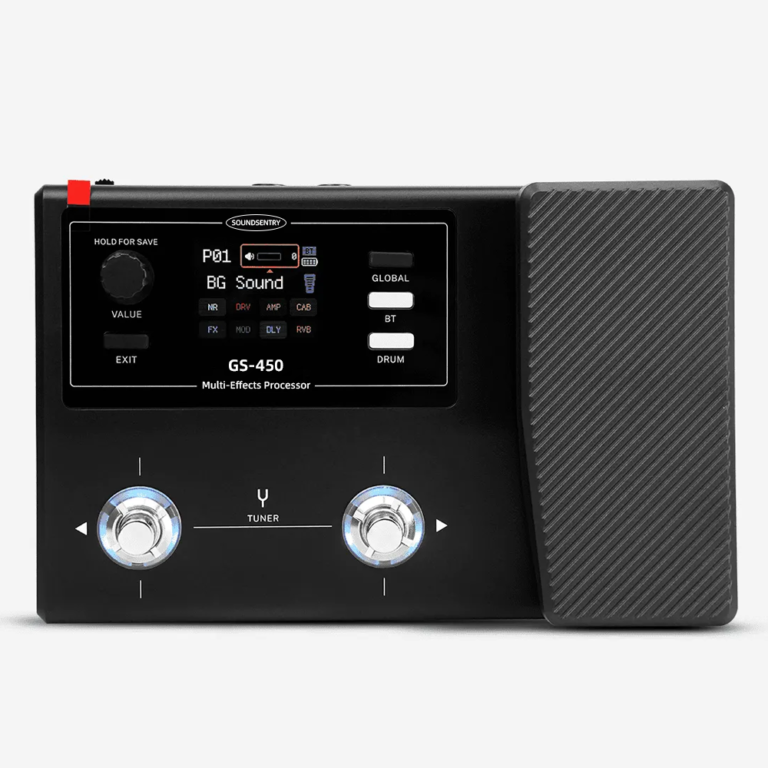
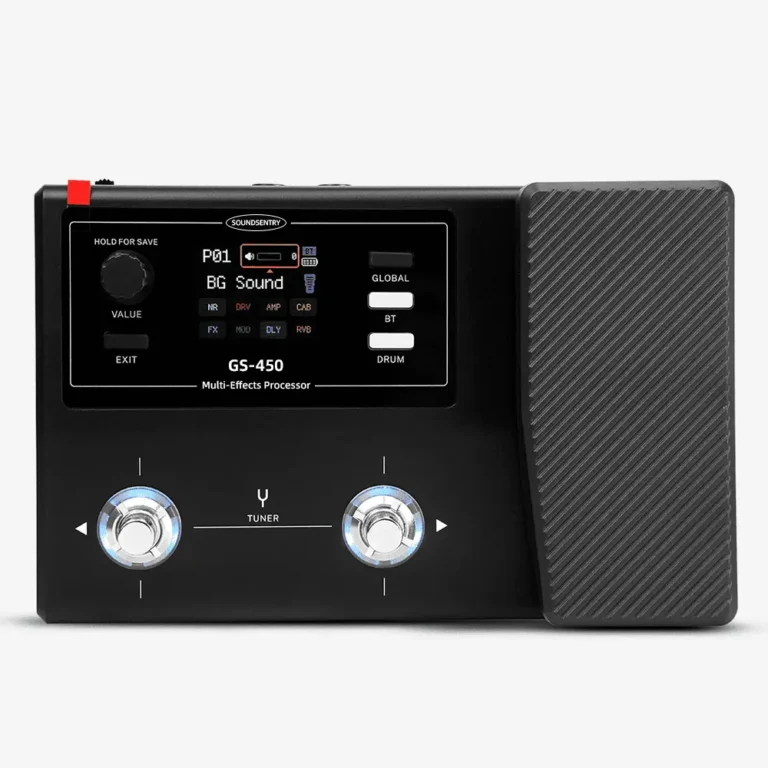
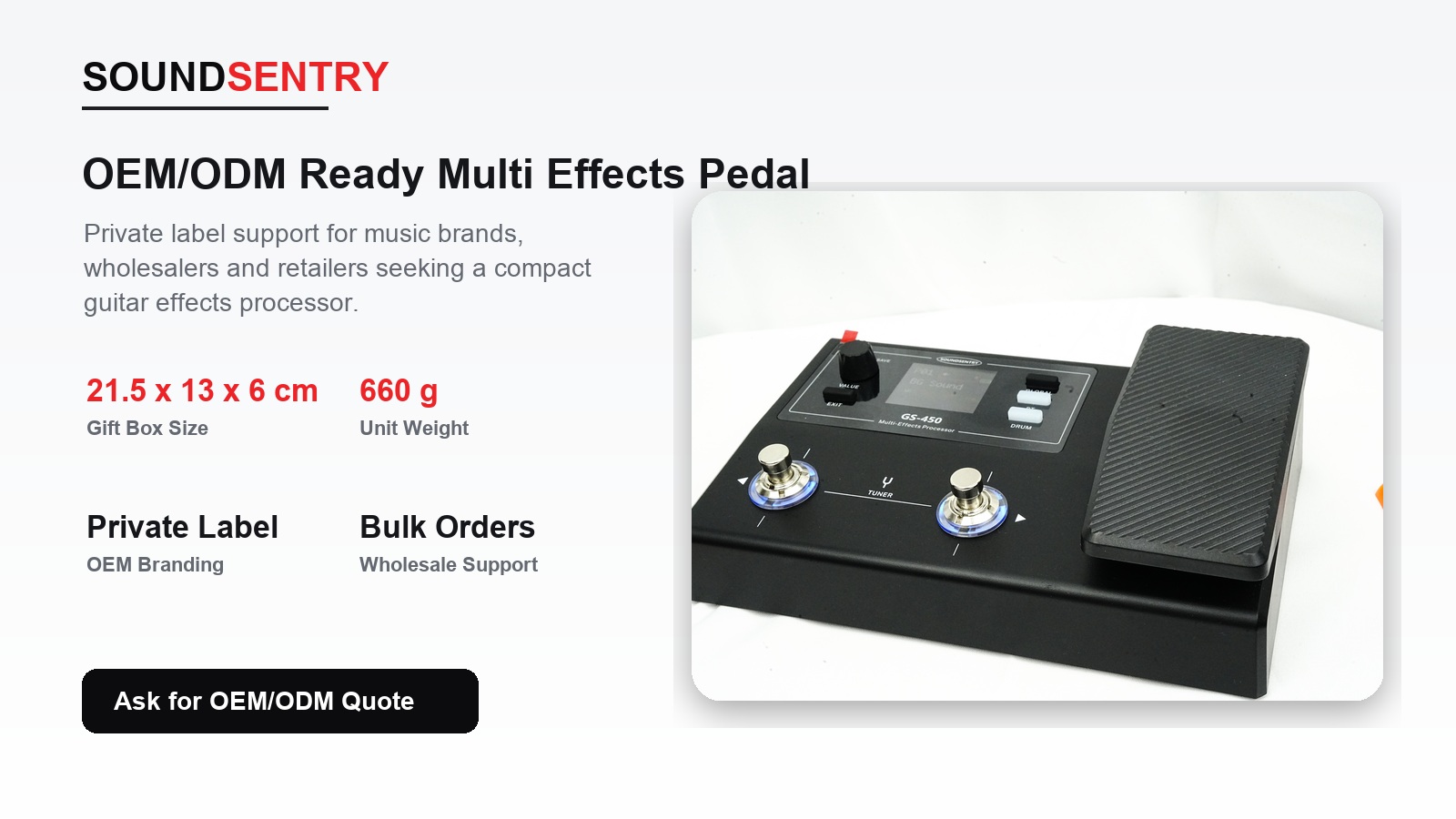
View the GS-450 product example, review our OEM/ODM process or request model-specific information.
Plan Your OEM/ODM Project
Share your target product, market, estimated quantity, branding, packaging and certification requirements with the SoundSentry Technical Team.
View Related Products Request Product Information or a Quote
OEM Buyer Checklist
- Define the target player and dealer position.
- Select useful effects, presets, tuner and footswitch behavior.
- Confirm IR, Bluetooth, app and recording functions by model.
- Approve connectivity, power, branding, packaging and instructions.
Explore products, review our factory information, quality-control approach, OEM/ODM process or request model-specific information.
Frequently Asked Questions for OEM Buyers
Should a beginner pedal always include IR loading?
No. Choose IR loading according to the target player, recording use case, product position and user-interface complexity.
What makes a multi-effects pedal suitable for dealers?
It should be easy to demonstrate, have usable and balanced presets, clear controls and a product story that fits the sales channel.
Why should preset volume be reviewed?
Large volume differences can reduce usability and make the product feel unfinished during demonstrations and practice.