Multi-Effects Pedal Sample Approval Checklist for OEM Buyers
A practical checklist for reviewing a multi-effects pedal sample, including presets, IR loading, controls, Bluetooth, recording, ports, power and packaging.
A multi-effects pedal sample can look finished long before it is ready for production. The screen lights up, the factory presets make sound, and the footswitches respond. That first impression is useful, but it is not enough for an OEM buyer to approve the unit.
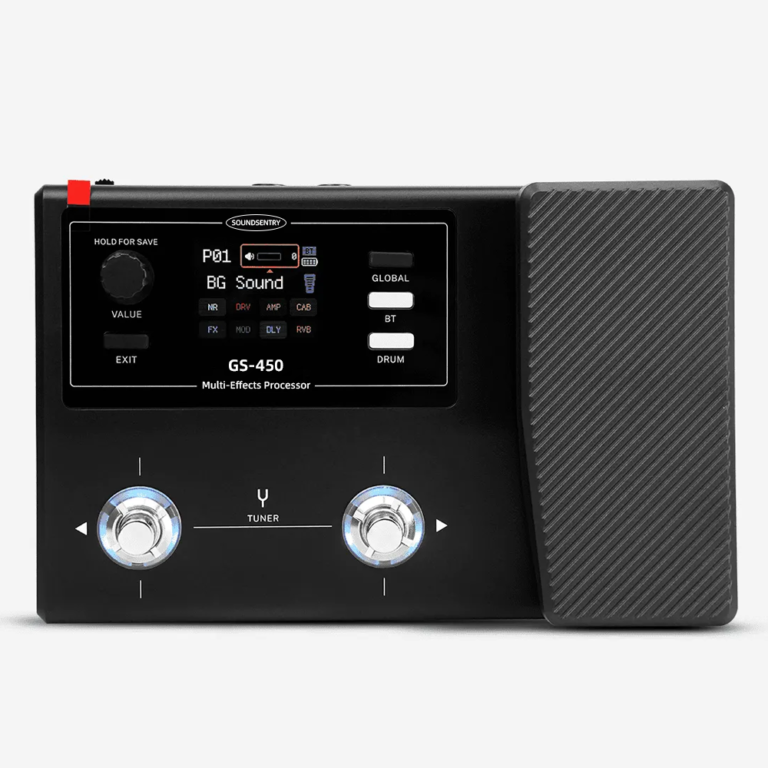
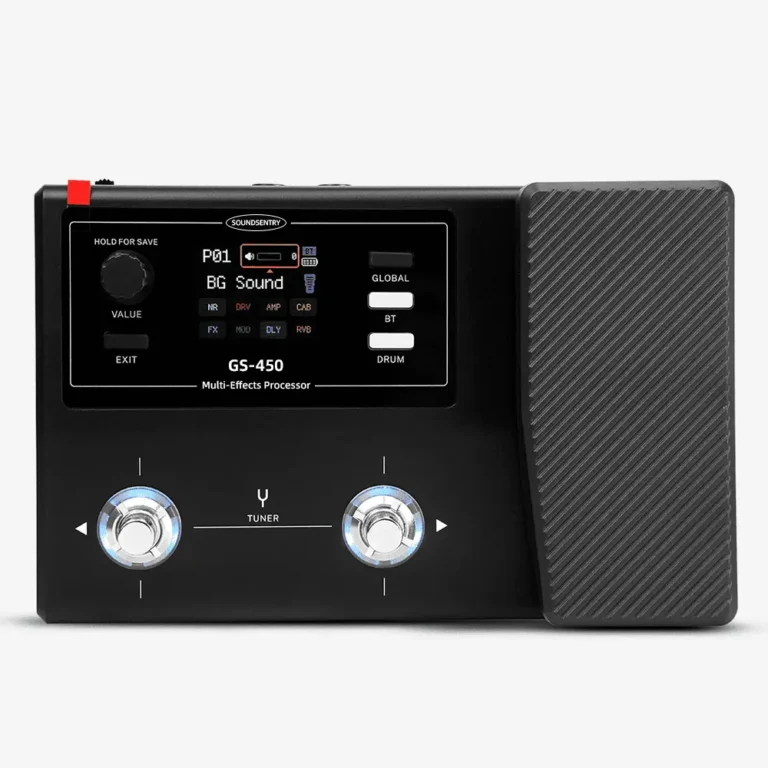
The real question is whether the sample matches the configuration your team intends to sell—and whether another unit produced later can be checked against the same reference. The checklist below is based on the way we review products such as the GS-450 multi-effects pedal with brands, distributors and importers.
1. Freeze the Sample Configuration Before Testing
Write down the model, firmware or app version, included accessories and packaging version before anyone begins a listening test. This sounds basic, but it prevents a common sourcing problem: one team approves the sound while another team approves a different charger, manual or cabinet file.
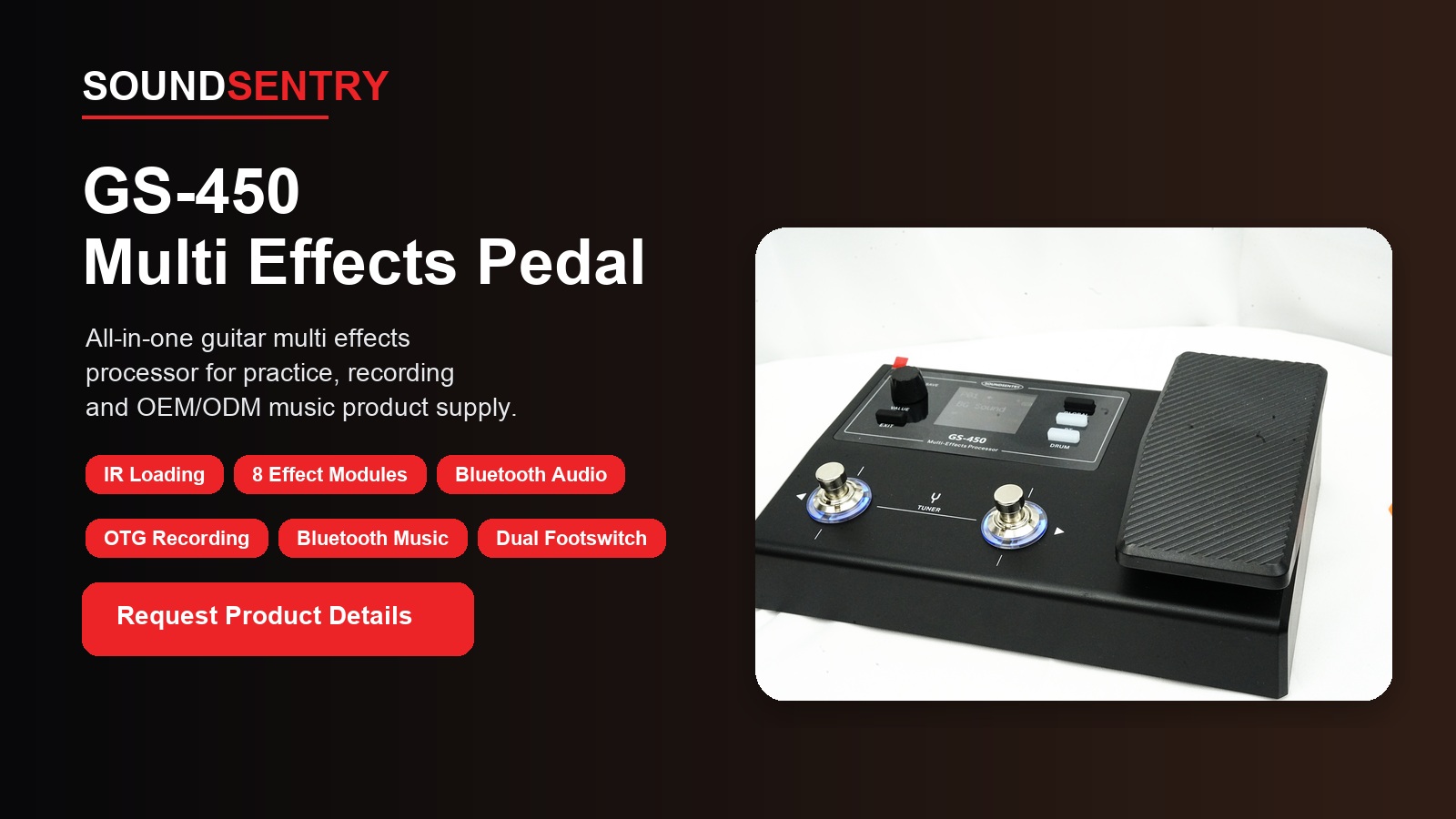
For a GS-450 project, the reference sheet should identify the agreed preset structure, effect modules, third-party IR loading, Bluetooth playback, mobile app control, OTG recording, tuner, drum patterns and connection layout. If a function is optional for your market, mark that clearly rather than leaving it to memory.
2. Check Controls Before Judging Tone
Run through every knob, encoder, button and footswitch at a normal working pace. Do not only confirm that each control moves. Watch for inconsistent resistance, missed steps, double triggering or a value that jumps unexpectedly on screen.
- Move each control slowly and then quickly.
- Change presets repeatedly with both footswitches.
- Confirm tuner entry and exit behavior.
- Power-cycle the unit and check whether the expected settings return.
- Compare headphone level and main-output level at several volume positions.
This part of the review often catches problems earlier than a long tone demonstration. A pedal that sounds good but behaves unpredictably will create returns and support questions.
3. Test the Effect Chain and IR Loading as a System
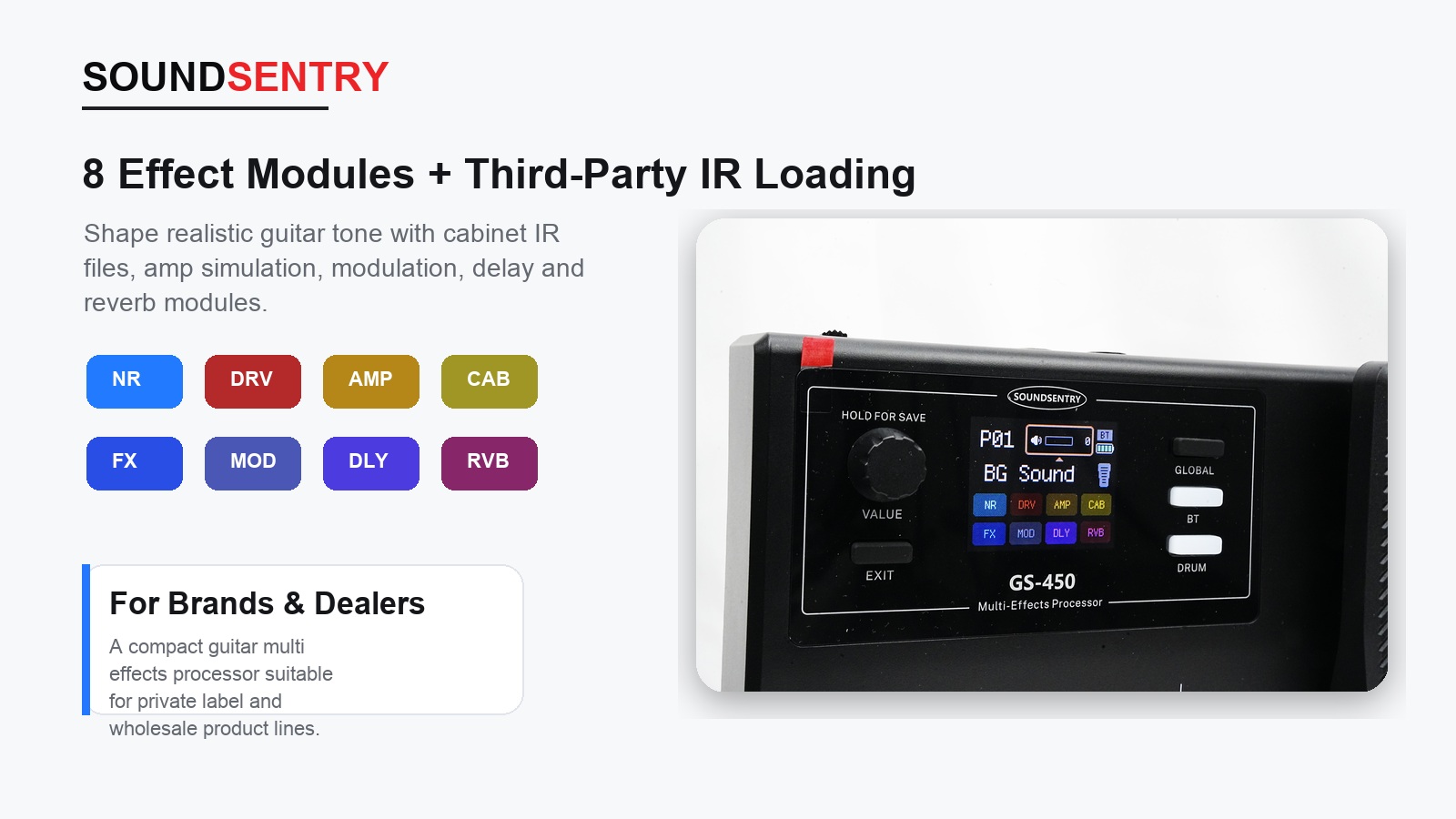
Do not approve eight effect modules by checking eight isolated sounds. Build a few practical signal chains and listen for level jumps, unexpected noise and switching artifacts. Save the changes, leave the preset and return to it. The stored result should match what was adjusted.
For third-party IR loading, use files supplied by the buyer as well as the factory reference files. Confirm the file-transfer steps, slot names, successful loading and the result after a restart. If the project includes user presets, check that factory and user locations are easy to distinguish.
A useful approval record includes two or three reference presets. These presets do not need to cover every musical style; they give production and QC teams a repeatable sound and operation check.
4. Reproduce the Wireless and Recording Workflow
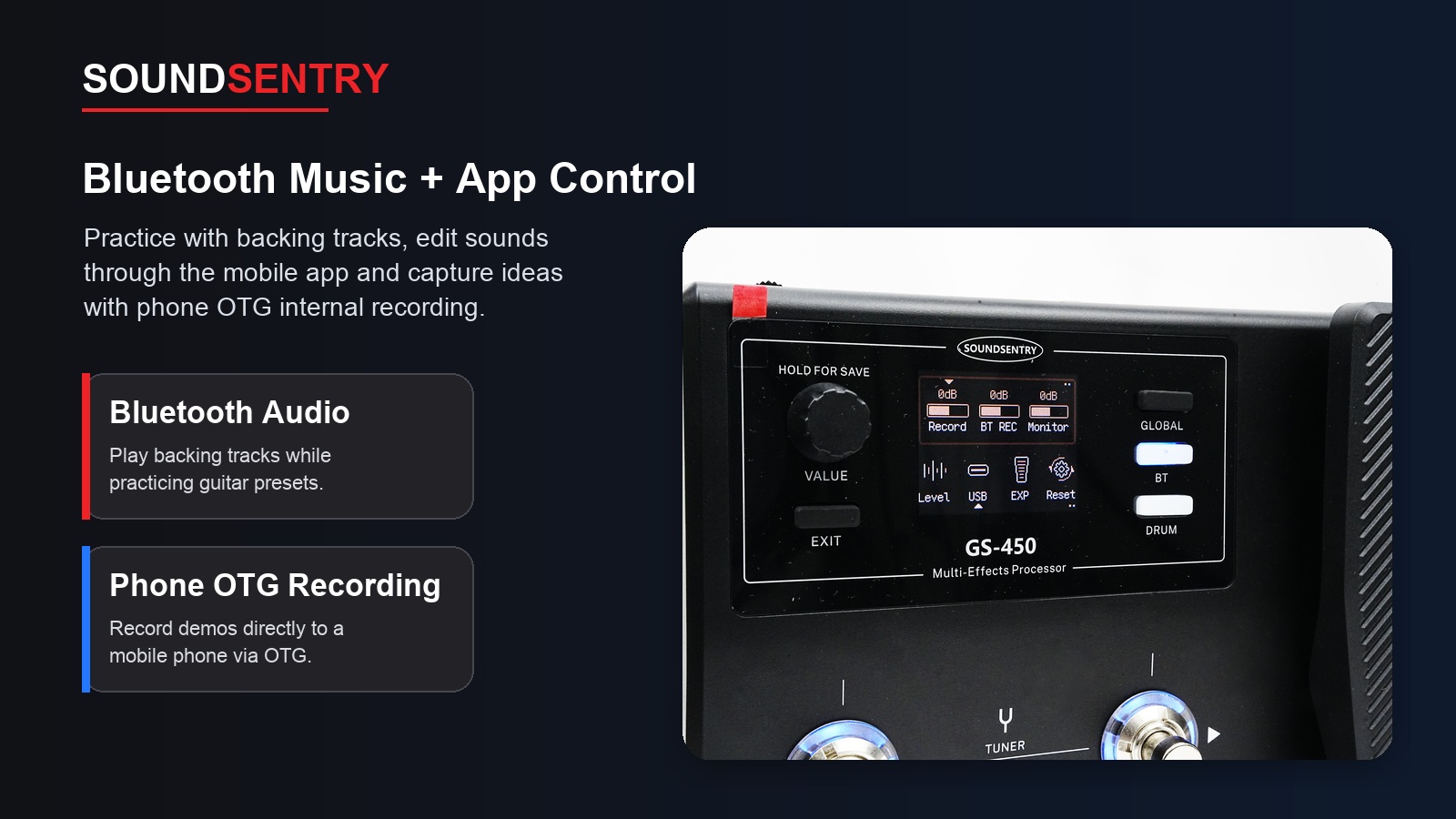
Pair a phone, play a backing track, adjust the balance and reconnect after power cycling. Then repeat the test with the mobile app and the selected recording device. The buyer should note which phone system and app version were used, because a vague “Bluetooth works” result is difficult to reproduce later.
- Check initial pairing and reconnection.
- Listen for noise while Bluetooth is connected but no track is playing.
- Confirm that app parameter changes reach the pedal correctly.
- Record a short OTG test and play the file back.
- Repeat the workflow after restarting both devices.
If the product will be demonstrated by dealers, ask someone who did not join the development discussion to try the workflow. Their questions are often the same questions future customers will ask.
5. Inspect Ports, Power and Real Practice Conditions
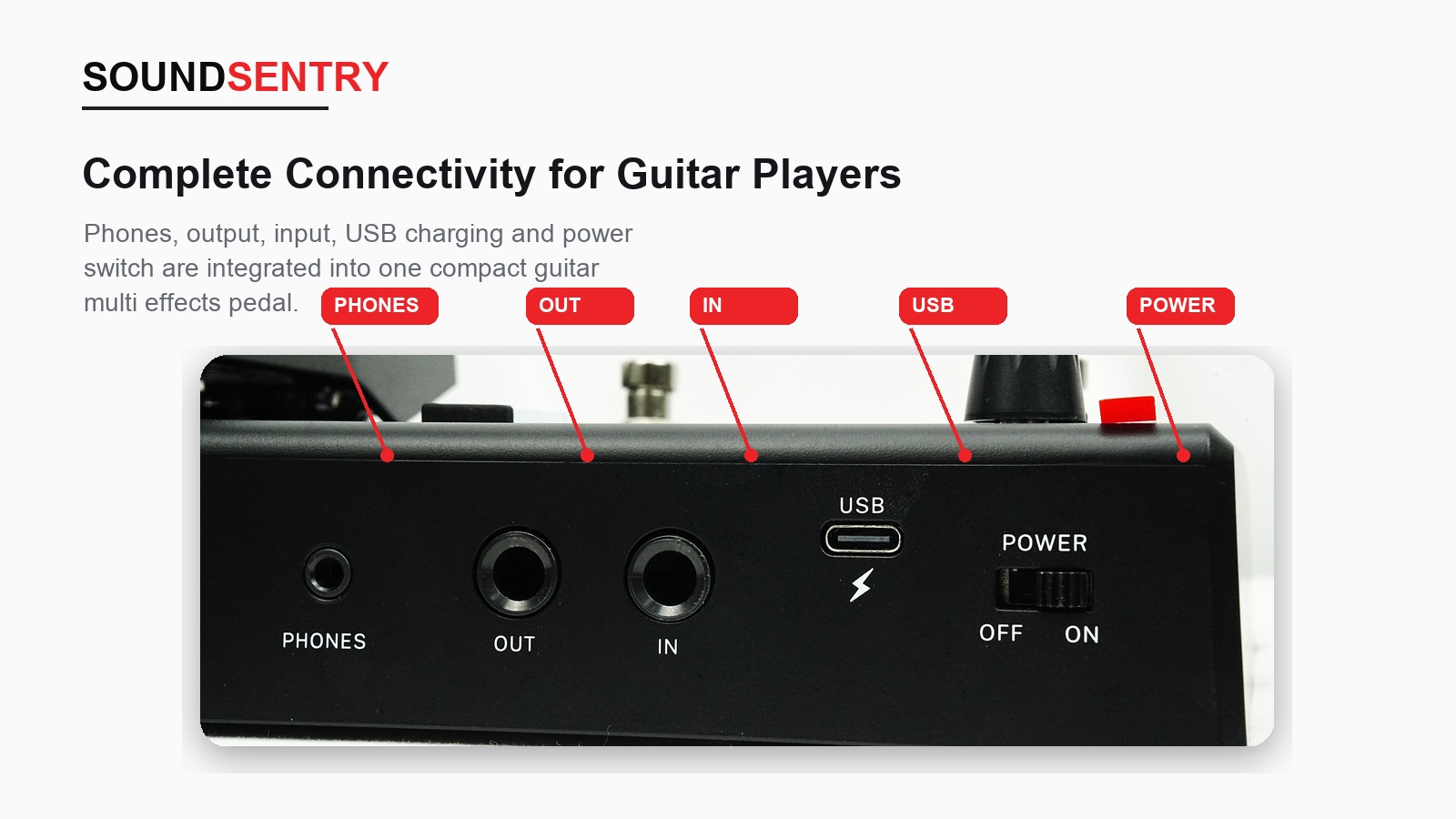
The current GS-450 reference specification uses a 6.35 mm TS input, a 6.35 mm TRS stereo output/headphone connection and a USB 2.0 Type-C port. Check plug fit, channel output, headphone monitoring and USB communication with more than one cable.
Battery claims should be tied to test conditions. The reference configuration lists a 2000 mAh battery and more than seven hours of operation, but the approval record should state the volume, Bluetooth use, headphone use and other conditions used during the sample test. That makes the result useful for packaging copy and later QC.
6. Review Branding, Instructions and Packaging Together
A sample is not complete when only the electronics are approved. Place the logo, model name, compliance marks and connection labels on the same review sheet. Check the pedal, color box, manual, labels and included cable as one set.
Pay special attention to instructions for Bluetooth, app connection, IR loading, OTG recording and charging. These functions can work correctly and still create unnecessary support work if the manual skips a step or uses screenshots from an older software version.
7. Record the Approval Instead of Sending “Looks Good”
| Approval item | What to record |
|---|---|
| Hardware | Sample serial or identification, control feel, screen and footswitch response |
| Sound and presets | Reference presets, effect-chain behavior, noise and output level |
| Software functions | App version, IR files, Bluetooth device and OTG recording device |
| Power | Charging method, runtime test conditions and indicator behavior |
| Branding | Logo, model name, labels, manual and packaging artwork version |
| Accessories | Cable, manual, packaging insert and destination-market requirements |
Photos, short videos and named reference files are more useful than a long message with no version numbers. Once the sample is approved, the record can be linked to the production control plan. Our guide on controlling changes from golden sample to bulk production explains that next step.
Common Approval Mistakes
The most common mistake is testing only the features that make a good sales demonstration. Buyers remember the dramatic presets and overlook saving behavior, connection noise, restart logic or the instruction manual. Another mistake is approving a battery claim without agreeing on test conditions.
It is also risky to approve software functions without recording the app version and test phone. When the project involves an app, Bluetooth or file transfer, the product and software workflow should be treated as one customer experience.
Related OEM Planning
If you are still deciding which functions belong in your product line, read our multi-effects pedal OEM guide for dealers. It covers product positioning, function selection and the questions to settle before requesting a sample.
FAQ
Should every preset be checked during sample approval?
Review the full preset structure, then select several reference presets for deeper sound, saving and switching tests. The final production test plan can use a smaller repeatable set if both sides agree.
Can a buyer provide third-party IR files for testing?
Yes. Supplying buyer-selected reference files is a practical way to confirm the loading workflow and intended sound before production planning.
What should be confirmed for Bluetooth and the mobile app?
Record the phone system, app version, pairing and reconnection behavior, parameter control, backing-track playback and any recording workflow required for the selected configuration.
Is a public price available for the GS-450?
No public procurement price is listed. An OEM/ODM quotation depends on the confirmed configuration, quantity, branding, packaging, documentation and delivery requirements.
Discuss a GS-450 Sample
When contacting SoundSentry Music, send your target market, estimated quantity, required functions, logo or packaging request and preferred sample schedule. You can review the GS-450 product information or request an OEM/ODM sample discussion.
Plan Your OEM/ODM Project
Share your target product, market, estimated quantity, branding, packaging and certification requirements with the SoundSentry Technical Team.
View Related Products Request Product Information or a Quote