How to Evaluate Multiple Wireless Guitar Systems for Rental and Live-Use Fleets
Learn how rental companies and equipment suppliers can evaluate channels, latency, interference, range, charging and documentation before a bulk order.
A single wireless guitar system that works in a quiet room does not prove that several systems will work together in a venue or rental fleet. Multi-system operation introduces channel planning, local radio conditions, equipment placement, charging control, instrument compatibility and staff workflow. For a distributor, stage-equipment supplier or backline rental company, those factors should be reviewed before a bulk order.
This guide provides a practical evaluation process. It does not guarantee a usable channel count, range or latency for every location. Radio rules and interference conditions vary by country and venue, and performance claims must be connected to the exact model, configuration and test method.
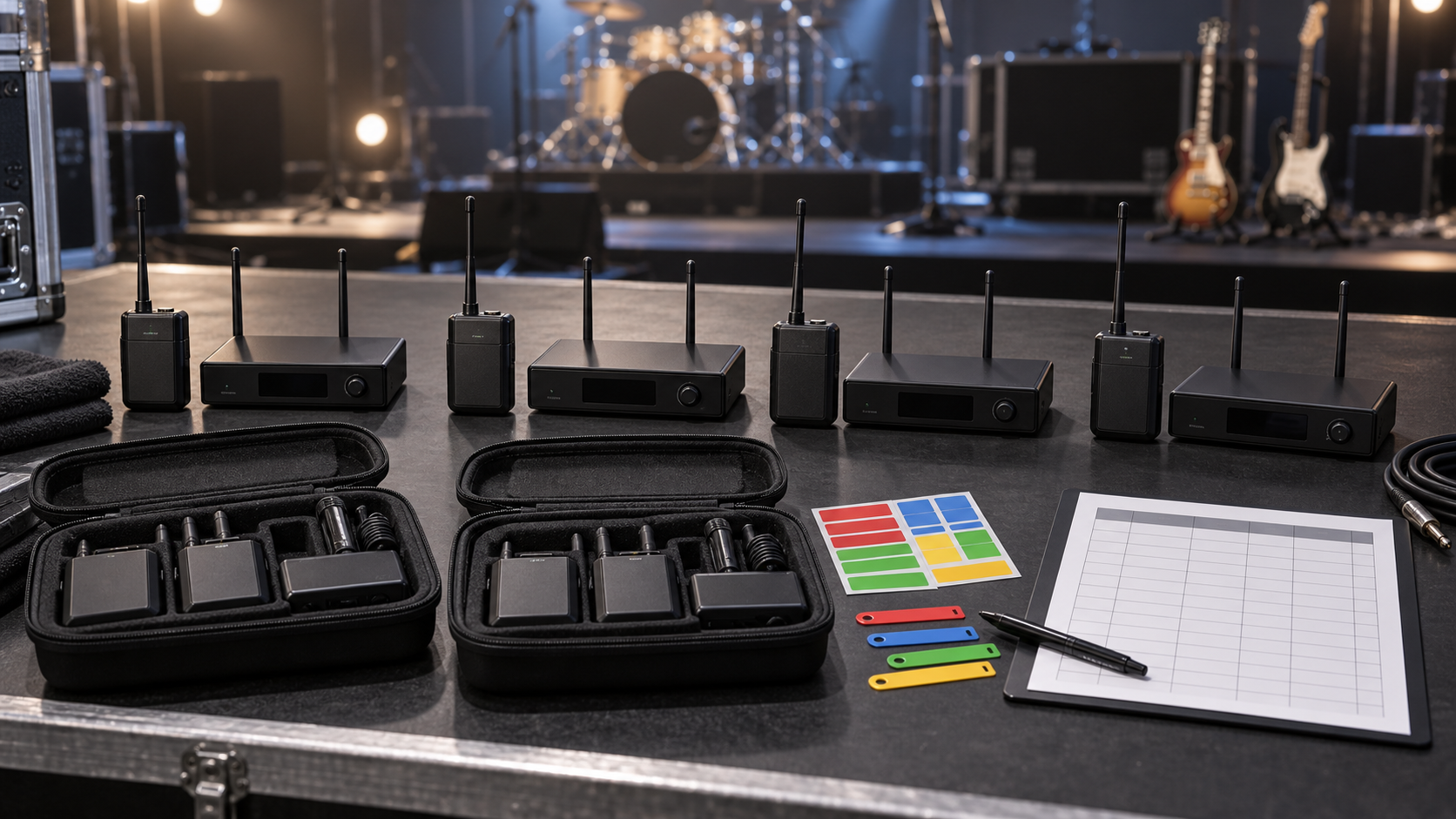
Editorial illustration: simultaneous-use planning begins with clearly identified transmitter and receiver pairs.
Define the operating scenario
Start with the number of instruments that may operate at the same time, the typical venue size, stage layout, receiver location and staff responsible for setup. A music retailer demonstrating one system has different needs from a rental company supporting several artists on the same stage.
List the instruments, pickup types, pedalboards, amplifiers or mixers in the signal chain. Identify whether transmitters will be swapped between instruments and whether receivers must remain assigned to labeled kits. These details affect connector orientation, input behavior, channel management and packing.
Confirm the regulatory market before frequency planning
Wireless products operate in frequency bands that are regulated differently across markets. Ask for the exact frequency range and model variant in the quotation and verify its suitability for the destination with qualified local guidance. A product that can be sold or used in one country may require a different version, documentation or operating conditions elsewhere.
Do not rely only on a broad term such as UHF, 2.4 GHz or 5.8 GHz. Record the actual band, selectable channels or automatic selection behavior, transmitter power information and model identifier supplied for the project. Match those details to the applicable documentation.
Understand what a channel count means
A published number of channels may describe selectable settings, not the number of systems guaranteed to operate simultaneously in every environment. Local signals, intermodulation, receiver selectivity, spacing and other equipment can affect usable capacity.
Ask the supplier how simultaneous-use testing was performed and what separation or channel plan was used. Then reproduce a representative test with the actual number of systems needed. Record the selected channels, physical positions and any competing wireless equipment present.
SoundSentry's current QT-7 wireless instrument system is listed with a multi-channel UHF configuration and charging case. Buyers should confirm the current datasheet and resolve any difference between marketing text and specification tables before using range or channel figures in a purchasing decision.
Build a multi-system test layout
Place receivers and transmitters in a repeatable layout. Include typical stage distances, performer positions, pedalboards, metal structures and audience-area obstacles where practical. Test systems near each other as they would be packed, powered and operated in real use.
The layout should include a worst-reasonable position, not only an open line-of-sight path. Note whether receivers are on the floor, rack, amplifier or table, and keep antennas or connectors in their intended orientation. Photographs and a simple plan help later tests use the same conditions.
Request a Wireless-System Evaluation Sample
Share the destination market, simultaneous system count, instruments, venue type, charging and packaging requirements through Contact Us.
Measure latency using a defined signal path
Latency claims are meaningful only with a known test method. For practical evaluation, compare the wired reference and wireless path through the same downstream equipment. If measured data is required, use suitable audio test equipment and document the input, output and processing path.
Several digital devices in one chain can add latency. A wireless link, digital effects processor, modeler and digital mixer may each contribute. Evaluate the complete intended setup as well as the wireless unit. Do not describe a listening impression as a precise millisecond measurement.
The existing low-latency wireless guitar system testing guide provides more detail on controlled latency checks.
Test interference systematically
Run all candidate systems together and introduce realistic competing equipment, such as venue Wi-Fi, Bluetooth playback, wireless microphones or in-ear monitoring systems, when relevant and permitted. Change one condition at a time. Record dropouts, audible artifacts, pairing changes or loss of control.
A clean test in one building does not prove universal immunity. The objective is to understand the model's behavior, identify operating limits and create a setup procedure. Rental staff need to know what to scan, select, separate or relocate when the radio environment changes.
Evaluate range as an operating envelope
Range depends on line of sight, obstructions, interference, transmitter and receiver position, antenna behavior, battery state and local rules. Test the distances required by the application rather than trying to reproduce the largest marketing number.
Walk the intended performance area while monitoring audio and system status. Include stage edges, backstage paths or other positions that matter. Mark the reliable operating area under the recorded conditions and keep a wired contingency path for critical use.
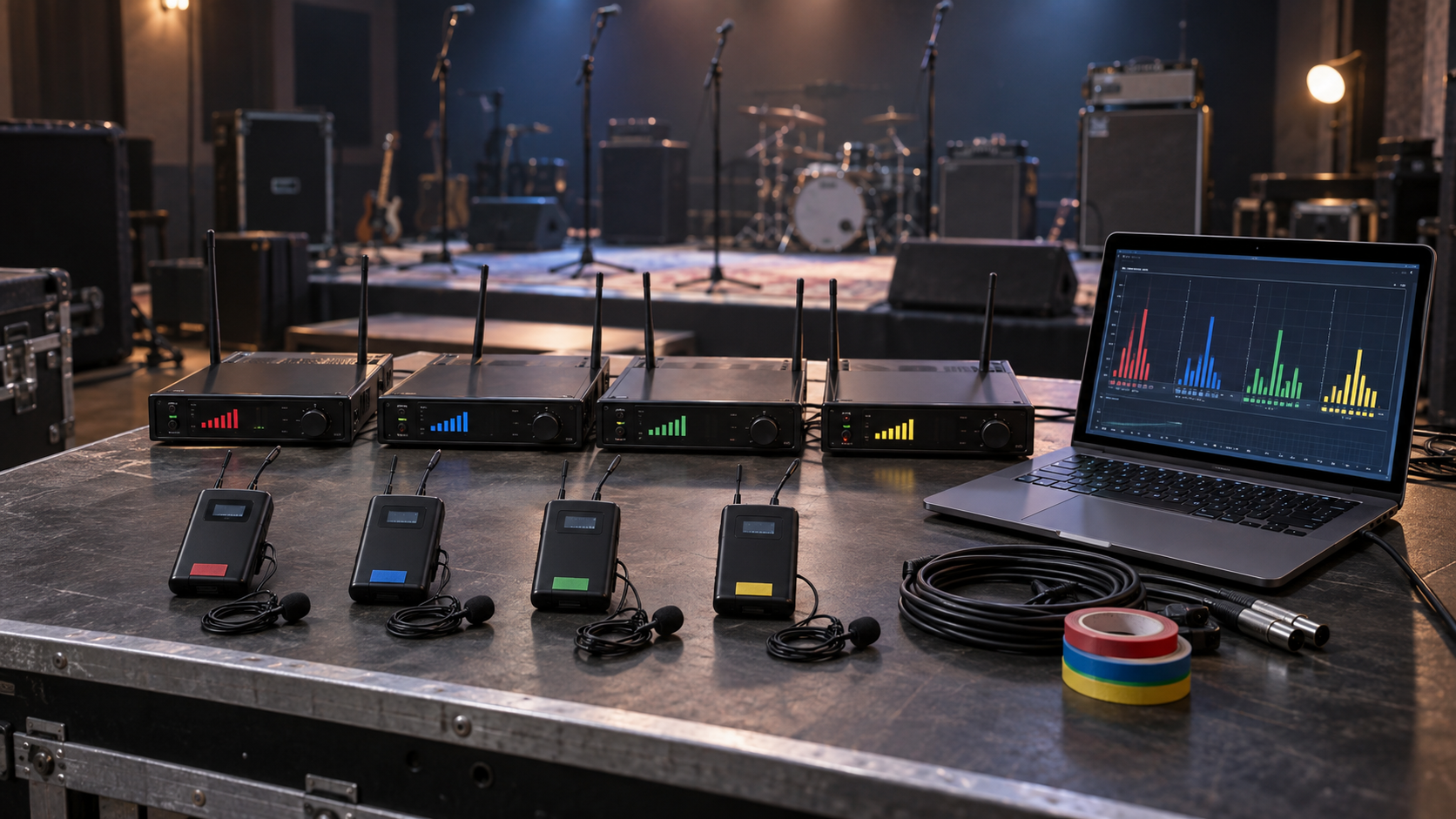
Editorial illustration: test the required number of systems together under representative radio conditions.
Check instrument and pickup compatibility
Active and passive instruments can present different output levels or electrical behavior. Test representative guitars, basses and other intended instruments. Check connector fit, body clearance, input headroom, noise, frequency response and whether the transmitter orientation interferes with playing.
Some recessed or side-mounted instrument sockets may require an adapter or short extension. Define the approved accessory and test it. Do not promise compatibility with every instrument based only on a 6.35 mm connector.
Review audio quality with controlled comparisons
Use the same instrument, performance, cable reference, amplifier or interface and monitoring level. Compare noise, audible bandwidth, transient response and distortion under normal and high-output playing. Record whether the system has gain, mute or level controls and how they behave.
Avoid vague claims such as "lossless" or "studio quality" unless they are supported by the exact specification and test evidence used for the model. For purchasing, the relevant question is whether the sample meets the agreed application and remains consistent across several units.
Test pairing and recovery behavior
Turn systems on in different orders, power-cycle individual units and observe how they reconnect. Check what happens when a transmitter is out of range, a battery becomes low or a neighboring system starts on the same setting. Staff should be able to identify each pair and recover without accidentally linking to another kit.
If the design has automatic pairing or channel selection, document the procedure and indicators. If channels are selected manually, create a venue or fleet channel plan and label each kit clearly.
Design a charging workflow
Rental fleets fail operationally when equipment returns uncharged or components are mixed. Confirm charging connector, charging case capacity, indicators, approximate charging workflow and whether transmitters and receivers can be charged together. Any operating-time or recharge claim should use defined conditions.
Assign kit numbers to the transmitter, receiver, case and accessories. Create check-in and check-out fields for battery status, physical condition and completeness. If batteries are not user-replaceable, discuss service and replacement arrangements in the quotation.
Compare several samples, not only one pair
For a multi-system order, evaluate enough samples to test simultaneous operation and unit-to-unit consistency. Label each unit and repeat the core checks: pairing, selected channel, noise, connection, range route, charging and indicators.
One strong pair does not show how a batch behaves together. A small sample group can reveal unclear labeling, inconsistent accessories or workflow problems before the fleet is larger. The sample quantity should be agreed for the project rather than assumed.
Validate the plan in more than one environment
If the intended channel includes touring or rental work, repeat the core test in more than one representative location when practical. A warehouse, rehearsal room and live venue can have very different radio conditions and physical layouts. Use the same labeled equipment and test sheet so that results can be compared.
The purpose is not to certify every future venue. It is to identify patterns, refine the setup procedure and find conditions that require a different channel plan or receiver position. Record date, location type, active wireless equipment, selected channels, transmitter positions and observed problems.
When a result changes, avoid changing several variables together. Move the receiver, change one channel or disable one competing device at a time. This creates useful evidence for training and for technical discussions with the supplier.
Prepare staff instructions and a handover test
Equipment is only as reliable as the workflow used by the people operating it. Prepare a short kit guide showing component names, pairing procedure, channel-selection method, indicator meanings, charging steps, instrument-connection limits and the wired backup process.
Ask a technician who did not write the guide to prepare several kits from a packed state. Observe whether labels, instructions and indicators are sufficient. If components are mixed or a channel is selected incorrectly, improve the guide or physical labels before the fleet enters service.
For distributors, adapt the same information into retailer and support materials. Do not copy model claims from an early sample if the final frequency variant, accessories or operating procedure changes. The published product page, manual, carton and support record should describe the same approved configuration.
Inspect connectors and mechanical use
Rental equipment experiences repeated insertion, removal, transport and charging. Inspect plug alignment, swivel or fixed orientation, strain points, buttons, screens, indicators, case hinges and charging contacts. Check whether the transmitter fits common instrument socket positions without excessive leverage.
Cosmetic inspection should distinguish normal handling marks from assembly issues. The buyer and supplier should agree which visible and mechanical points form part of pre-shipment inspection.
Plan packaging for fleet control
Retail packaging may prioritize shelf presentation, while rental packaging prioritizes kit identification and component control. Define whether each set includes a charging case, cables, adapters, manual, protective insert and labels. Ask for packed dimensions and accessory positions for the approved configuration.
Use serial numbers, kit labels or another traceable identifier where the project supports it. A packing checklist should show transmitter, receiver, case and accessories. If a component is sold separately as a replacement, confirm the pairing and compatibility process.
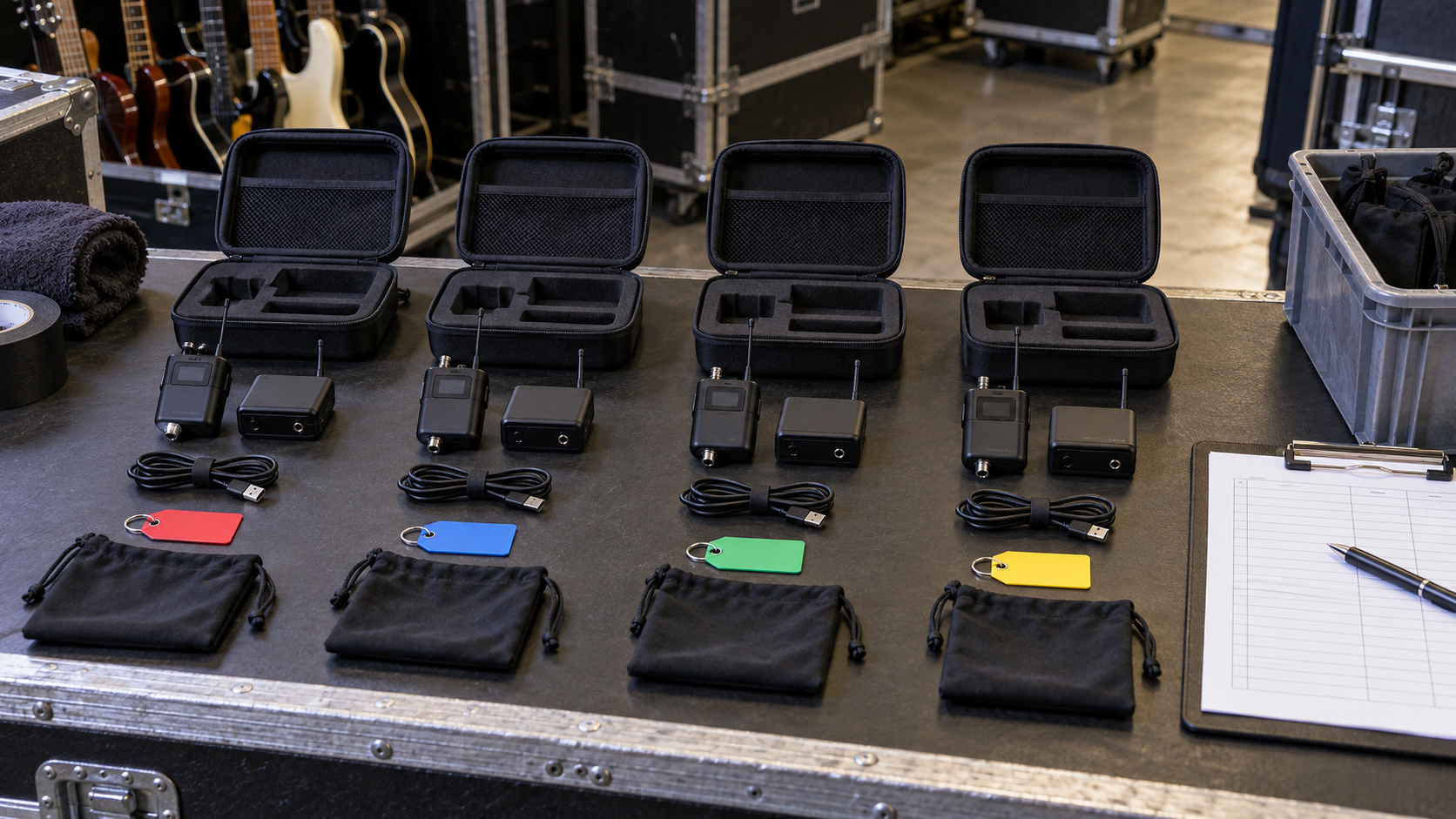
Editorial illustration: fleet reliability depends on charging, component control and repeatable packing.
Request model-specific documentation
Before importing or distributing wireless products, identify the destination-market documents, labels, manuals and technical information required by the buyer's compliance process. Request documents for the exact frequency and model variant, not a similar product family.
Review whether the product identifier on the unit, packaging and documents is consistent. Certification and legal decisions require qualified review. A supplier's general statement is not a substitute for confirming applicability to the selected market and configuration.
Build an RFQ for simultaneous use
Include the following information:
- Destination country and intended sales or rental channel.
- Number of systems expected to operate simultaneously.
- Venue type, approximate stage layout and receiver placement.
- Intended instruments and active or passive pickup types.
- Required frequency variant and channel-management method.
- Charging case, adapters, labels and packaging requirements.
- Sample quantity and planned multi-system test.
- Required documentation, warranty and replacement-component questions.
Ask the supplier to state which claims are based on a published specification and which require project testing. This keeps the quotation clear and prevents an assumed channel count or range from becoming an unsupported promise.
Create a pre-event operating procedure
A reliable fleet needs a procedure that can be repeated by different technicians. Check local frequency suitability, charge all components, assign pairs, select or scan channels, perform an audio line check, walk the operating area and keep spare cables available.
Record changes made at the venue. If a dropout occurs, staff should note the system, channel, position and competing equipment before changing several variables at once. This evidence supports better troubleshooting and supplier communication.
Review incidents and maintain the fleet
After an event, record faults by kit number. Separate radio dropouts from discharged batteries, damaged connectors, incorrect pairing, instrument incompatibility and downstream audio problems. This prevents every issue from being described as interference and gives the supplier information that can be investigated.
Periodically inspect charging contacts, cases, plugs, controls, labels and accessories. Repeat a short multi-system line check after repairs or component replacement. If replacement transmitters or receivers are supplied, confirm their model revision and pairing procedure before adding them to active kits.
Use incident records to improve the operating guide and purchasing specification. Repeated missing adapters may indicate a packing problem; repeated connection strain may indicate that a different approved adapter is needed. Maintenance evidence is more useful than relying on general impressions about reliability.
Frequently asked questions
How many wireless guitar systems can operate together?
The usable number depends on the exact model, frequency plan, local signals, spacing, other wireless equipment and test conditions. Confirm simultaneous operation with representative samples in the destination environment.
Is 2.4 GHz or 5.8 GHz always better for guitar wireless systems?
Neither band is universally better. Availability, interference, propagation, hardware design and local rules affect the result. Compare exact models and test the intended environment.
How should buyers test wireless-system latency?
Use a defined wired reference and the same downstream signal chain. For precise values, use suitable measurement equipment and document the method. Also evaluate the complete digital performance chain.
What should a rental company include in each kit?
Define the transmitter, receiver, charging case or cable, adapters, instructions, labels and protective packaging. Keep each component assigned to a traceable kit and confirm replacement compatibility.
Conclusion
Multi-system wireless purchasing is a fleet-planning task, not a single-product demonstration. Buyers should connect frequency planning, simultaneous testing, instrument compatibility, charging, packaging and documentation to the same approved configuration. Review the current QT-7 product page and wireless-system buyer guide, then send SoundSentry your venue and order requirements for a model-specific discussion.
Plan Your OEM/ODM Project
Share your target product, market, estimated quantity, branding, packaging and certification requirements with the SoundSentry Technical Team.
View Related Products Request Product Information or a Quote